Zigbee vs Z-Wave vs Thread (and Matter): Which Smart Home Protocol Should You Choose?
If you have ever bought a smart bulb, lock, or sensor and then wondered why it will not talk to the rest of your home, the answer is almost always the same: the protocol. A protocol is simply the wireless language your devices use to communicate. Your phone, your voice assistant, and your light switch may all be excellent products, but if they speak different languages, they cannot work together without help.
This guide is for anyone setting up a smart home in the United States who wants to understand Zigbee, Z-Wave, and Thread — and where Matter fits — before buying more devices. No technical background needed.
What a Smart Home Protocol Actually Does
Think of your home Wi-Fi network as a busy highway. Every phone, laptop, television, and smart device shares it. That works fine for a handful of gadgets, but a home with fifty or more smart devices can start to feel crowded. Smart home protocols solve this problem by giving low-power devices their own separate network.
Instead of each sensor connecting directly to your router, devices on Zigbee, Z-Wave, and Thread form a mesh. In a mesh network, devices pass messages along to one another, like neighbors relaying a note down the street. A sensor at the far end of the house does not need to reach the hub directly; it can hop through a smart plug or bulb in the hallway. The more mains-powered devices you add, the stronger the mesh becomes.
This design has three practical benefits: battery sensors last months or years on tiny amounts of power, the network reroutes around a failed device, and your main Wi-Fi stays free for streaming and video calls.
The catch is that each protocol is its own mesh. A Zigbee bulb cannot relay messages for a Z-Wave lock, and a Thread sensor cannot extend a Zigbee network. That is why choosing a protocol matters — and why many people end up with a hub that speaks more than one language.
Zigbee Explained: The Popular, Open Option
Zigbee is one of the oldest smart home protocols, and it is also one of the most widely used. It runs on the 2.4 GHz frequency — the same band as much of your Wi-Fi and Bluetooth traffic — and it supports a very large number of devices on a single network, far more than a typical home will ever need.
You will find Zigbee inside many smart bulbs, plugs, sensors, and buttons, and it is the protocol behind several well-known lighting and sensor ecosystems. Because the underlying standard is open, many different manufacturers build Zigbee devices, which keeps prices competitive and choice wide. If you like the idea of mixing brands — a bulb from one company, a sensor from another, a button from a third — Zigbee makes that easy.
Two honest drawbacks: sharing the 2.4 GHz band with Wi-Fi can occasionally cause interference, though keeping the hub a few feet from your router and letting it pick a quiet channel solves most of this. And compatibility, while generally good, is not perfect — some manufacturers add their own tweaks, so check that a device works with your hub before buying.
Zigbee is a strong choice for affordable sensors and bulbs, a huge device range, and broad platform support.
Z-Wave Explained: The Reliable, Interference-Free Option
Z-Wave takes a different approach. Instead of the crowded 2.4 GHz band, it uses a lower frequency band (around 908 MHz in North America). That band is much quieter, because your Wi-Fi network, your microwave, and your Bluetooth headphones do not use it. The result is a connection that tends to be very stable, even in homes where the Wi-Fi airwaves are congested.
Z-Wave is also known for strict certification. Every certified Z-Wave device must pass compatibility testing, which means a Z-Wave lock from one brand and a Z-Wave hub from another are very likely to work together. This reliability is one reason Z-Wave has long been popular for security devices such as door locks, garage controllers, and leak sensors — the devices where a missed message matters most.
The trade-offs: fewer devices per network than Zigbee (still far more than most homes need), slightly higher prices partly due to certification, and a smaller product range. Frequencies also differ by region, so buy devices made for the North American market.
Z-Wave is a strong choice if reliability matters more than rock-bottom price, if you are building a security-focused system with locks and sensors, or if your home’s Wi-Fi environment is already crowded.
Thread Explained: The New, Internet-Native Option
Thread is the newest of the three protocols, and it is built on the same networking technology that powers the internet itself. Like Zigbee, it runs on 2.4 GHz and forms a mesh network. The big difference is how it handles routing: Thread devices use internet-style addressing, which makes them easier to connect with the rest of your home network and with the platforms that manage it.
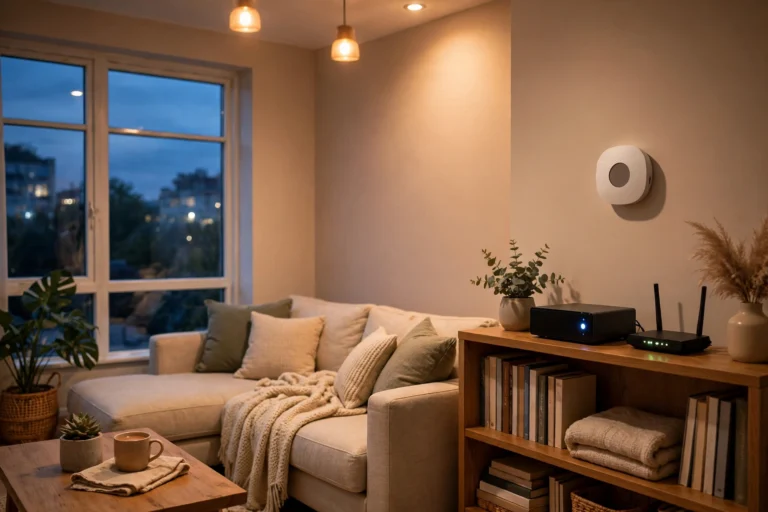
In a Thread network, some devices act as routers — typically mains-powered products such as smart speakers, displays, and dedicated border routers — while battery-powered sensors sleep most of the time and wake only to send a message. A Thread border router is the bridge between the Thread mesh and your home Wi-Fi network, and it is what lets your phone and voice assistant reach Thread devices. If you want the full story on that piece of the puzzle, see our guide to Thread border routers.
Thread’s biggest advantage is momentum: as Matter’s connectivity foundation, new devices increasingly support it. Its drawback is youth — the device range is still smaller than Zigbee’s or Z-Wave’s, so Thread alone can feel limited today, but as part of a Matter setup it is the most future-proof option.
Thread is a strong choice if you are starting fresh, buying Matter-compatible devices, and want a network designed for the next decade rather than the last one.
Where Does Matter Fit In?
This is the question that confuses almost everyone, so here is the simple version: Zigbee, Z-Wave, and Thread are about how devices talk to each other. Matter is about what they say.
Matter is an application-level standard that sits on top of Thread and Wi-Fi. It defines a common language for commands like “turn on,” “lock the door,” or “set the temperature to 72 degrees,” so that a device from one brand can be controlled by an app or voice assistant from another. A Matter device might communicate over Thread, or over Wi-Fi, but either way it speaks Matter to your platform.
That is why you see labels like “Matter over Thread” and “Matter over Wi-Fi”: the first part is the transport, the second is the language. Matter does not replace Zigbee or Z-Wave overnight — a Zigbee device does not automatically become a Matter device, though some hubs can bridge them. See our Matter explained guide for more.
If you are buying new devices today, Matter compatibility is a sensible tiebreaker. It is not a reason to throw away working Zigbee or Z-Wave gear, but it does make future additions easier.
Zigbee vs Z-Wave vs Thread: Side-by-Side Comparison
| Feature | Zigbee | Z-Wave | Thread |
|---|---|---|---|
| Frequency (US) | 2.4 GHz | ~908 MHz | 2.4 GHz |
| Network type | Mesh | Mesh | Mesh |
| Typical device limit | Very high (thousands) | High (hundreds) | High (hundreds) |
| Interference risk | Moderate (shares band with Wi-Fi) | Low (quiet band) | Moderate (shares band with Wi-Fi) |
| Device choice | Widest range | Smaller, certified range | Growing, Matter-focused |
| Typical cost | Usually lowest | Usually slightly higher | Varies by product |
| Best for | Bulbs, sensors, buttons on a budget | Locks, security sensors, reliability | New Matter-based setups |
| Needs a hub or border router? | Yes, a Zigbee hub | Yes, a Z-Wave hub | Yes, a Thread border router |
No single row makes one protocol “the winner” — the right answer depends on what you own, how big your home is, and what you plan to buy next.
Range, Walls, and Real Homes
Advertised wireless ranges are measured in open air, and your home is not open air. Walls, floors, metal appliances, and even fish tanks all reduce range. In practice, the mesh design matters more than any single range figure: a device that cannot reach the hub directly will hop through a closer device, provided you have enough mains-powered devices acting as repeaters.
Place your hub centrally, keep it a few feet from your router, and add a smart plug or two in hallways — only mains-powered devices extend the mesh.
For large homes, Z-Wave’s quieter band can help; for apartments, any of the three works well, and price and device choice matter more than range.
Hubs, Compatibility, and the Multi-Protocol Shortcut
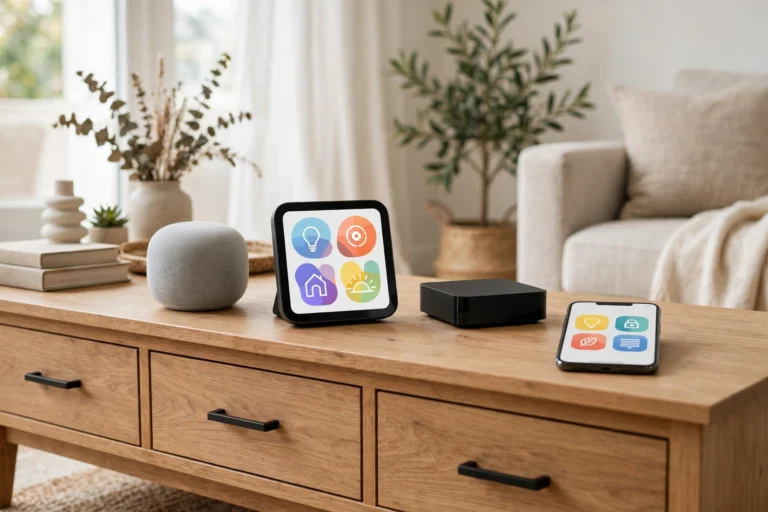
Good news: you do not have to choose just one. Many hubs and smart speakers support two or even three protocols at once, so you can combine a Zigbee network for bulbs with a Z-Wave network for locks. Your choice of platform matters as much as your choice of protocol.
That decision deserves its own guide, because hubs differ enormously in ease of use, local control, and device support. Our companion guide, Home Assistant vs SmartThings vs Hubitat, covers the three main hub platforms — though note that choosing a voice assistant is a related but separate question, covered in our Google Home vs Alexa vs HomeKit comparison. The short version: pick the hub first if you plan a large system, because the hub determines which protocols you can use without extra hardware.
Renters have one extra consideration. If you cannot drill holes or replace wiring, battery-powered sensors and plug-in devices are your friends, and all three protocols support them. A protocol that works with the devices you can actually install matters more than the protocol with the best specifications on paper. Our renters guide covers the no-drill angle in detail.
Which Protocol Should You Choose?
Here is a decision framework you can use in five minutes:
Choose Zigbee if: you want the widest choice of affordable bulbs, plugs, and sensors and like mixing brands. It is the safe, flexible default for most homes.
Choose Z-Wave if: reliability is your top priority, especially for locks and security sensors; your Wi-Fi environment is crowded; or you value strict certification and cross-brand compatibility over the lowest price.
Choose Thread (with Matter) if: you are starting fresh, want the most future-proof setup, and accept a smaller — but growing — device range today.
Choose a mix if: you already own devices on more than one protocol. A multi-protocol hub is the practical answer, and what many experienced owners end up doing.
Do not choose on specifications alone: start from the devices and platform you want, then let the protocol follow.
Frequently Asked Questions
Can Zigbee and Z-Wave devices work together?
Not directly — they use different frequencies and cannot join each other’s mesh. But a hub supporting both can control both types, and automations can combine them, such as a Z-Wave door sensor triggering a Zigbee bulb.
Do I need a hub if I only have Wi-Fi devices?
Wi-Fi devices connect directly to your router and need no separate hub. Zigbee, Z-Wave, and Thread devices do need a hub or border router, since your phone and router do not speak those protocols natively — though some smart speakers and displays include one.
Is Thread the same thing as Matter?
No. Thread is a wireless mesh protocol, like Zigbee and Z-Wave. Matter is a common language that runs on top of Thread or Wi-Fi. A device can support Thread without Matter, and a Matter device can use Wi-Fi instead of Thread. When you see “Matter over Thread,” it means the device uses both.
Which protocol is best for a large house?
All three can work in a large house if the mesh is built properly, with enough mains-powered devices to relay messages. In practice, hub placement and the number of repeating devices matter more than the protocol choice alone.
Should I replace my Zigbee or Z-Wave devices with Matter devices?
Not unless you have a specific reason. Working devices should stay; when buying new ones, prefer Matter-compatible models to keep your options open, but there is no need to replace a system that already works well.
Does my choice of protocol affect whether my devices work without the internet?
Only indirectly. What matters most is whether your hub and devices process automations locally, rather than in the cloud. Some hubs run everything locally regardless of protocol, while others depend on cloud services. If local control matters to you, choose the hub as carefully as the protocol — see our companion guide to building a smart home without the cloud.
Related guides: 10 Best Smart Home Devices · Matter Explained · Thread Border Router Explained · Google Home vs Alexa vs HomeKit