Smart Home Devices for Seniors: The Aging-in-Place Safety Guide (2026)
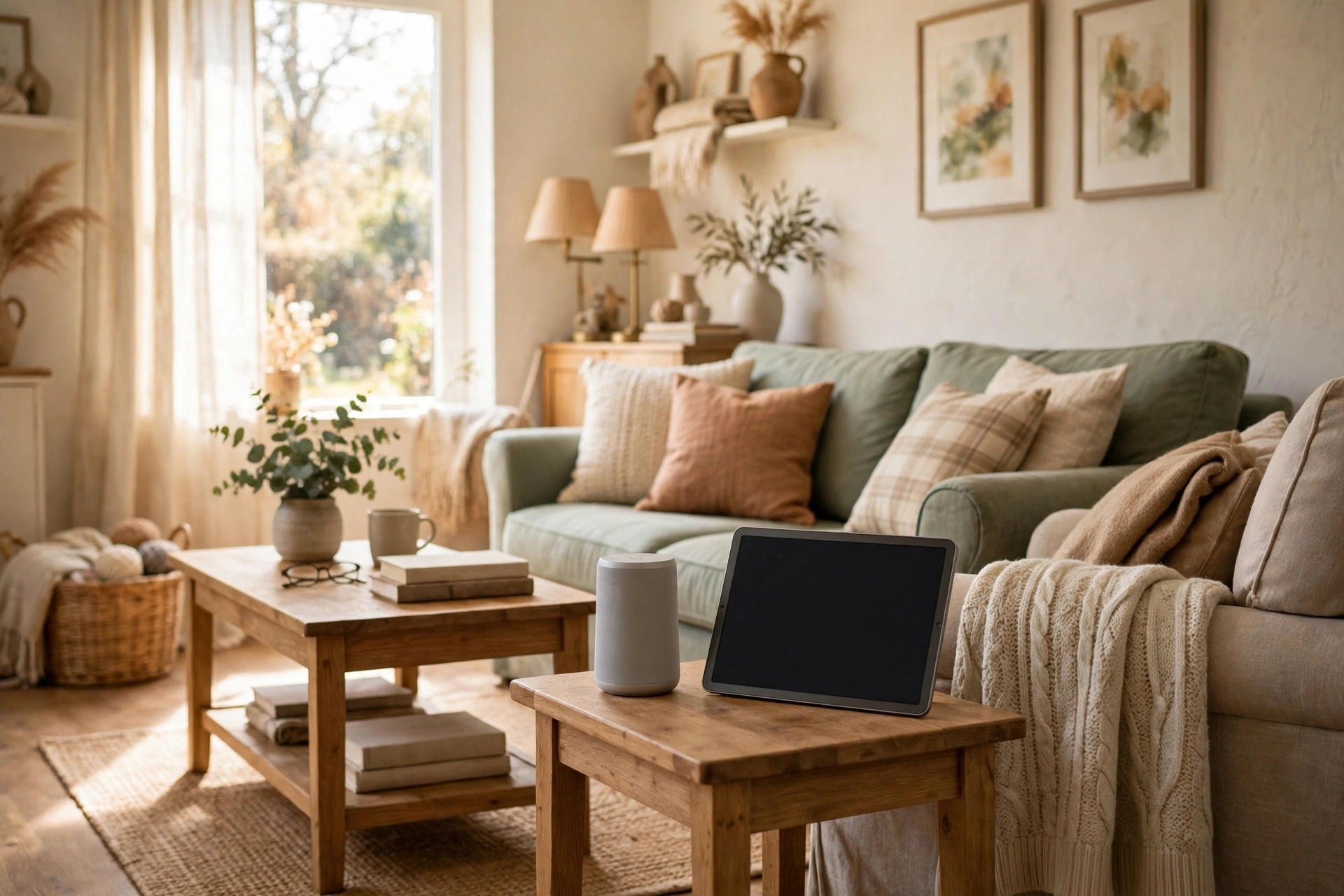
For many older adults, the goal is simple: stay in the home they know, for as long as it is safe and comfortable to do so. Smart-home devices can support that goal, but only when they are chosen for real daily needs rather than novelty. A voice speaker that turns on lights without a trip across a dark room, a doorbell that shows who is at the door without getting up, or a reminder that prompts a morning medication routine can each remove a small daily friction. Together, they can make a home easier, safer, and less tiring to live in.
This guide is for older adults, their families, and caregivers in the US planning an aging-in-place setup. It focuses on safety, independence, and ease of use, and keeps health claims general. Smart-home devices are not medical devices and are not a substitute for professional care or a personal medical alarm where one is needed. No product was tested here, and no price or specification is presented as current — verify specifications and pricing with the manufacturer.
Start With the Person, Not the Technology
The most common mistake in a senior smart-home setup is buying a bundle of devices and hoping they fit. Start instead with a short, honest conversation about daily life. What is hardest right now? Is it getting up at night, remembering appointments, hearing the doorbell, managing stairs, or feeling uneasy when alone? Is vision, hearing, dexterity, or memory the main challenge? The answers point to different devices, and they also reveal what should not be bought at all.
Simplicity should be the deciding test. If a device needs a complicated app, frequent updates, or a sequence of taps to do one simple job, it is likely to be abandoned, however impressive it looks. Voice control often helps here, because speaking a short command is easier than finding a small button or reading a small screen. Large, clear displays help too, as do devices that work automatically — lights that come on when someone enters a hallway, for example — without anyone having to remember to operate them. Involve the older adult in setup and in choosing wake words, alert sounds, and notification recipients, so the system feels like theirs rather than something imposed on them.
Fall Safety and Getting Help Quickly
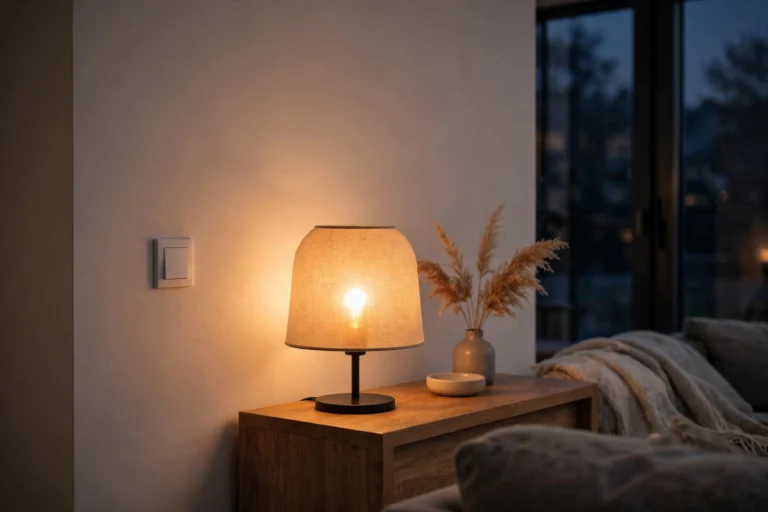
Falls are a serious concern for older adults, and the fear of falling can itself limit independence. Smart-home technology can help in two ways: by reducing fall risks in the home, and by making it easier to call for help if a fall happens. Motion-activated lighting in hallways, bedrooms, and bathrooms removes the need to walk in the dark, and it is one of the simplest, most reliable improvements available. Smart plugs and voice-controlled lights can also remove the need to reach behind furniture for a switch.
For getting help, some wearables and smart speakers offer fall detection or an emergency call feature, and some home systems can alert a family member when an unusual lack of activity is noticed. These features vary widely, depend on connectivity and battery life, and are not a replacement for a dedicated personal emergency response service. If fall risk is a real concern, discuss options with a doctor or care professional first, and choose a system whose limitations are understood by everyone involved. Test any alert feature together, make sure at least one other person receives alerts, and agree in advance on what happens when an alert arrives.
Staying Connected: Video Calls and Communication
Loneliness and isolation affect health and quality of life, and they are also a safety issue: a person who is in regular contact with family is more likely to have a problem noticed quickly. A smart display in the kitchen or living room can make video calls easier than a small phone screen, especially when calls can be started by voice. Family members can check in face to face, see how someone is doing, and help talk through a confusing letter, a new device, or a medication schedule.
Keep the setup forgiving. Preload contacts, use large contact photos or names where the device allows, and practice calls together until they feel routine. A display that also shows the time, date, weather, and reminders can earn its place on the counter even on days when no one calls. Privacy matters here too: agree on when cameras and microphones are on, where displays are placed, and who can drop in or call without being answered. A system that feels watched will not be used, and trust is essential for any device that stays in someone’s home.
Reminders, Routines, and Daily Independence
Memory aids are among the practical smart-home features for older adults, and they do not require any technical skill to benefit from. A voice assistant can give spoken reminders for appointments, meals, hydration, and daily tasks, and a smart display can show the day’s schedule in large text. Routines can tie several small actions together: a single morning command that turns on lights, reads the weather, and lists the day’s appointments, for example, or an evening routine that locks doors, turns off lights, and sets a night-light.
The key is restraint: a handful of well-chosen reminders helps, while dozens of daily alerts become noise. Start with two or three routines, use them for a few weeks, and only then add more. If reminders relate to medication, treat them as prompts only, not medical advice. For background, our guide to voice assistants compares the main platforms.
Easier Doors, Doorbells, and Locks
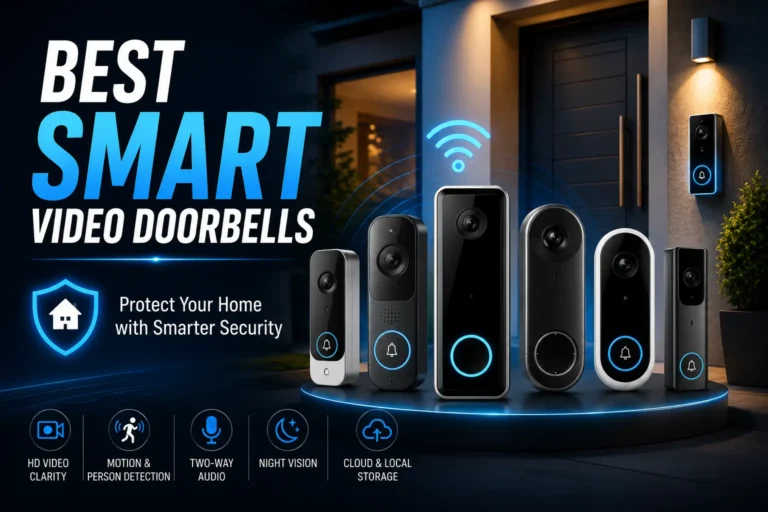
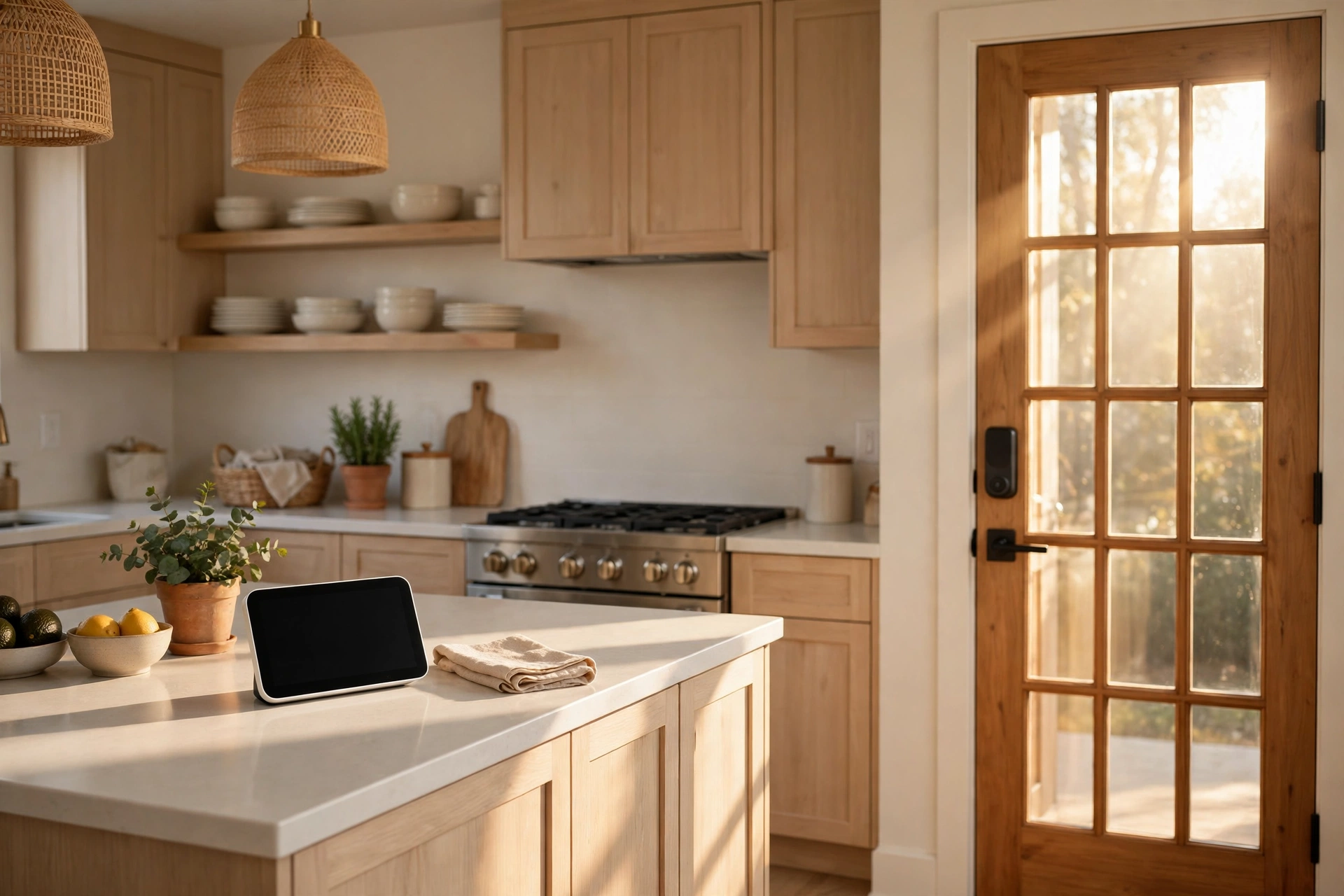
Doors are a daily friction point that smart devices handle well. A video doorbell lets someone see and speak to a visitor without rushing to the door, which matters for anyone with limited mobility or balance concerns. It also helps with safety, because a visitor can be identified and a delivery can be acknowledged without opening the door to a stranger. Look for a large, clear live view, two-way talk that is easy to start, and notifications that are loud and clear enough to notice.
Smart locks can remove the need to fumble with small keys. Keypad codes or a voice command can unlock the door, and temporary codes can be given to a family member or caregiver without handing over a physical key. Agree who has a code, how codes change, and what happens if the battery dies — and keep a physical key as backup.
Passive Monitoring Without Intrusive Surveillance
Passive monitoring is a sensitive topic, and it deserves a careful approach. The idea is simple: sensors notice patterns — movement in the kitchen in the morning, a front door opening during the day, lights being used in the evening — and alert a family member only if something is out of the ordinary. Done with consent, this can reassure both the older adult and their family, especially when family lives far away. Done without consent, it feels like surveillance and damages trust.
Agree the rules first — what is monitored, who gets alerts, and what happens next — and prefer motion or door sensors over cameras in private rooms.
Comfort, Energy, and the Rest of the Home
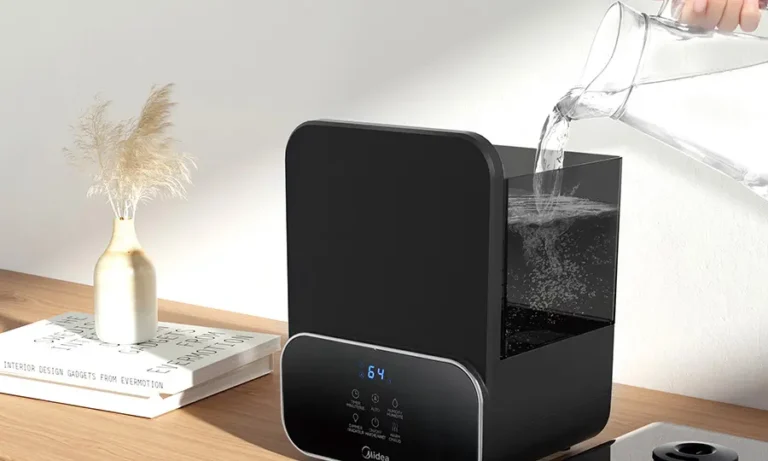
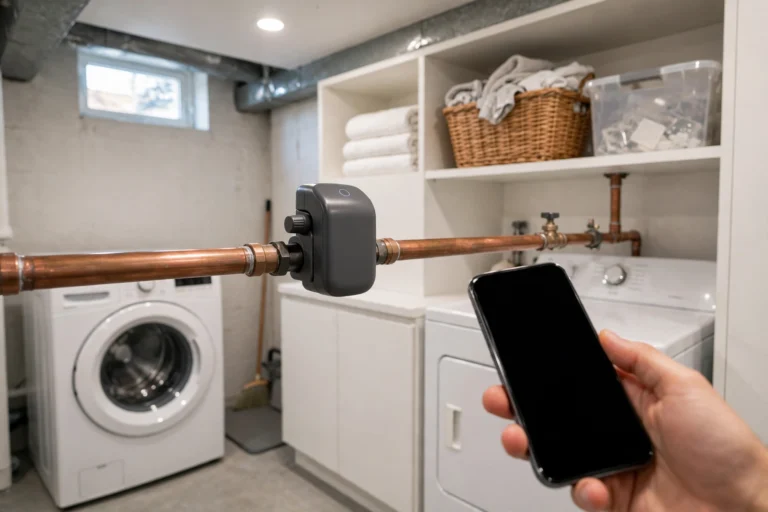
Once safety and communication are covered, comfort devices can make daily life noticeably easier. A smart thermostat can keep the home at a comfortable temperature without fiddling with small dials, and some models can be adjusted by voice or from a family member’s phone with permission. Smart lighting can be dimmed for the evening, brightened for reading, or set to come on automatically at dusk. Leak sensors near a water heater or washing machine, and smoke and carbon monoxide alarms that send alerts to a phone, add another layer of protection that is easy to overlook.
For the broader picture, see our best smart home devices overview and our Matter explainer.
Comparing the Main Options
The table below compares the main categories by what they help with, rather than by brand, so you can match a need to a type of device before shopping.
| Device category | Helps most with | Watch out for |
|---|---|---|
| Voice speaker or smart display | Hands-free control, calls, reminders | Needs Wi-Fi; privacy settings must be set together |
| Motion-activated lighting | Night-time safety, fewer dark trips | Sensor placement matters; too many lights can confuse |
| Video doorbell | Seeing visitors without rushing to the door | Needs a clear view and a reliable connection |
| Smart lock with keypad | Key-free entry, temporary codes for helpers | Battery backup and a physical key plan are essential |
| Wearable or speaker fall alert | Calling for help after a fall | Not a medical device; check coverage and limitations |
| Motion and door sensors | Passive check-ins for distant family | Must be agreed with the resident; avoid private rooms |
| Smart thermostat and lighting | Comfort, energy, and easy control | Keep manual controls available as a backup |
Which Setup Should You Choose?
If the main concern is safety at night and getting help, start with motion-activated lighting, a reliable way to call for help, and a video doorbell. These three address the most common risks — dark trips, a fall with no one nearby, and unknown visitors — without requiring a complex system.
If the main concern is staying connected and remembering daily tasks, start with a smart display for video calls and reminders, plus voice-controlled lighting. This setup is social as well as practical, and it gives family a natural reason to check in regularly. Add a smart lock next if keys are a problem, and passive sensors only after a conversation about privacy and alert rules.
Frequently Asked Questions
Are smart-home devices safe for older adults to use alone?
They can be, when they are chosen for simplicity and set up with the person who will use them. Voice control, automatic lighting, and large displays tend to work best. Avoid systems that require frequent app use or complicated steps, and keep manual alternatives — switches, keys, and a regular phone — available at all times.
Can a smart speaker replace a personal emergency alarm?
No, not reliably. Some speakers and wearables offer fall detection or emergency calling, but they depend on Wi-Fi, power, and battery life, and they are not medical devices. If fall risk or a medical condition is a concern, talk to a doctor or care professional about a dedicated personal emergency response service, and treat smart-home alerts as an extra layer, not a replacement.
How do I protect privacy with cameras and sensors?
Agree on the rules before installation: no cameras in bedrooms or bathrooms, clear rules about who can view or receive alerts, and regular reviews of what is monitored. Use motion and door sensors rather than indoor cameras where possible, check privacy settings together, and make sure the older adult can turn features off or ask for changes at any time.
What if the internet or power goes out?
Some devices keep working locally — a keypad lock still opens with a code, and a battery-powered light still turns on — while others depend on Wi-Fi or cloud services. Check each device’s offline behavior before you buy, keep a physical key and a regular phone available, and consider battery backup for the router and the most important devices if outages are common in your area.
Do these devices require a monthly subscription?
Some do and some do not. Basic voice control, lighting, and lock features often work without a subscription, while advanced monitoring, video history, or professional alert services may charge a monthly fee. Check what is included free and what requires payment before you buy, and avoid a system whose core safety feature stops working when a trial ends.
How do I help a parent who is reluctant about technology?
Start with one device that solves a problem they already care about, such as a video doorbell or a voice-controlled light, and let them try it before adding anything else. Set it up together, practice until it feels easy, and respect a no. A system that is accepted slowly and used daily is worth far more than a full setup that is resented and switched off.
Final Thoughts
A good senior smart-home setup is quiet, simple, and respectful. It turns on a hallway light before a nighttime trip, lets a grandchild’s face appear on the kitchen display, and lets a visitor be greeted without a rush to the door. Those small, reliable helps add up to more confidence at home and more choice about how and where to live.
Start small, choose for the person rather than the technology, agree on privacy rules, and keep the manual backups that already work. Review the setup every few months, and remove anything that has become a burden. Aging in place is about using a few devices well, so home stays a place of independence.