Best Floodlight Cameras in 2026: Bright Security With No Monthly Fee Options
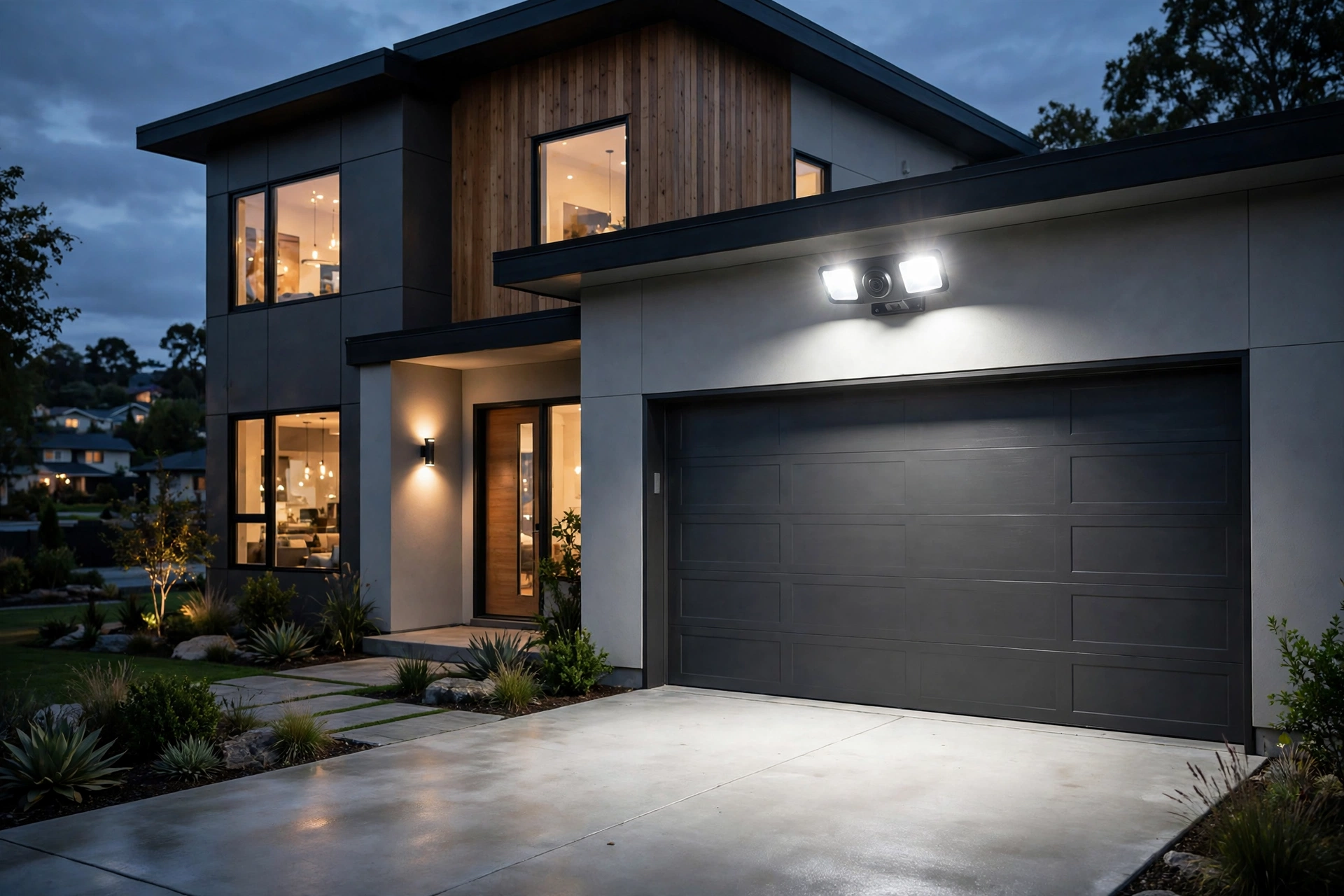
A floodlight camera does two jobs at once: it lights up a dark driveway, yard, or side entrance, and it records what happens there. For many homeowners, that combination is more useful than a small camera alone, because the light itself can deter unwanted visitors, help visitors find the door safely, and make recorded video clearer at night. The catch is that many popular cameras are sold at an attractive upfront cost and then quietly require a monthly plan for the features most people actually want, such as saved video clips, longer clip history, or smart alerts that tell a person apart from a passing car.
This guide is for US homeowners and renters who want bright, practical outdoor security without being locked into a subscription. It focuses specifically on floodlight cameras, not on general security cameras or video doorbells, and it explains how no-fee and low-fee setups really work. You will learn the difference between local storage and cloud storage, what to check about power and wiring, how motion and light settings affect everyday life, and which trade-offs are worth accepting. No product here is presented as tested by this site, and no price is quoted as current, because models and plans change often. Use this guide to narrow your shortlist, then verify the current model, features, and plan terms on the manufacturer’s own listing before you decide.
What Makes a Floodlight Camera Different
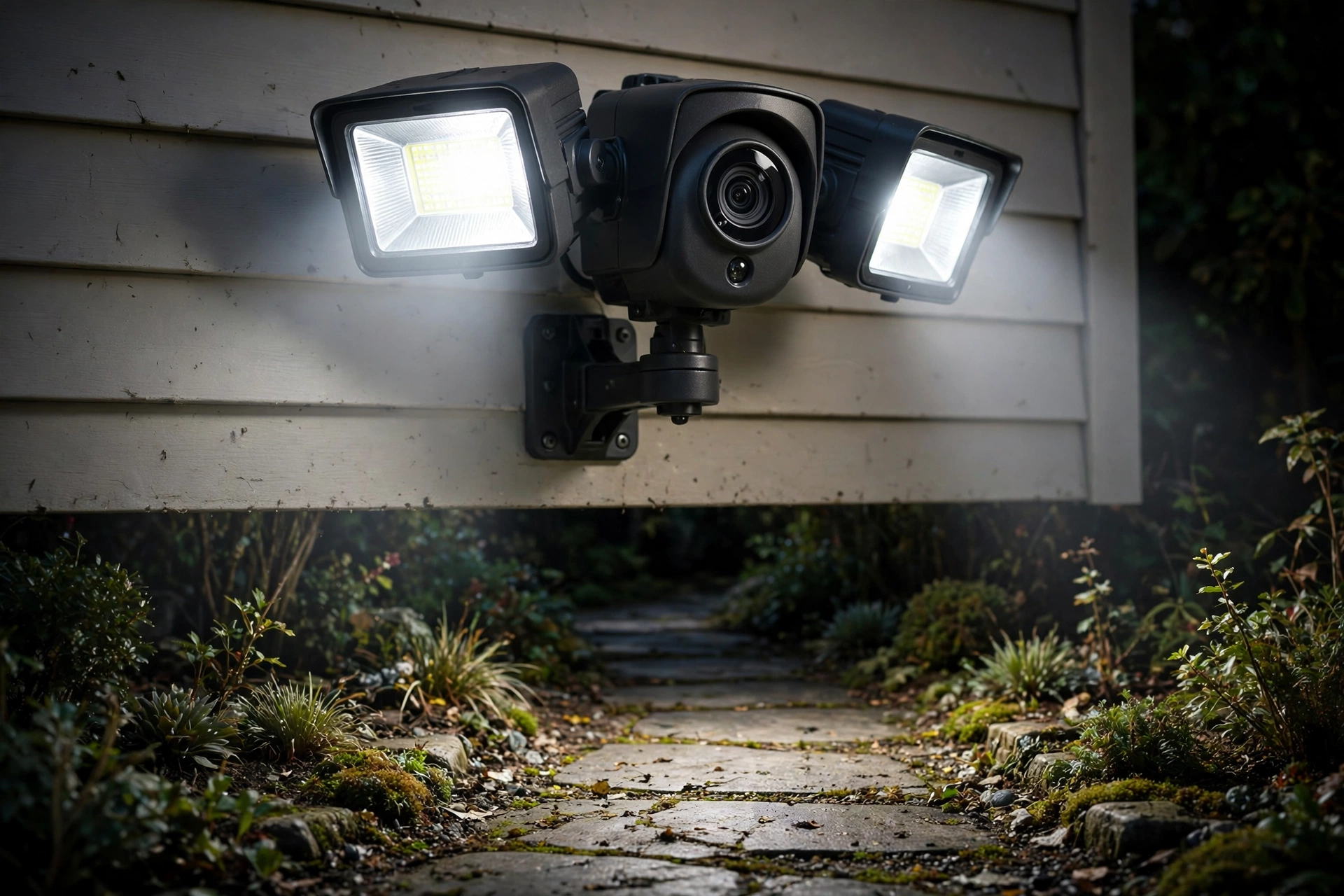
A standard outdoor camera records video. A floodlight camera adds one or more bright lights, a motion sensor, and often a siren or two-way talk, all in a single fixture that mounts where an outdoor light would normally go. That matters for three practical reasons. First, light improves night video far more than most people expect. A camera that struggles in near darkness can produce a much more useful image when its own floodlights switch on. Second, the light is itself a deterrent. Someone approaching a brightly lit driveway knows they are visible, which is often enough to change their behaviour. Third, installation is usually simpler than adding a separate light and a separate camera, because one fixture, one mount, and one power source can cover both jobs.
How “No Monthly Fee” Actually Works
The phrase “no monthly fee” can mean several different things, and the difference matters. Some floodlight cameras work fully without a subscription: they record to a memory card or a home hub, send motion alerts, and let you view live video and saved clips in the app at no ongoing cost. Others offer basic live viewing for free but charge for saved video, so if you miss an alert in real time, there is nothing to review later. Still others offer a short free trial and then require a plan for almost everything beyond live viewing.
Local storage is the key to most genuinely no-fee setups. With local storage, video is saved on a memory card inside the camera, on a USB drive, or on a base station or hub inside your home. You own the recordings, and there is no monthly bill for keeping them. The trade-offs are worth understanding. A memory card has limited capacity, so older clips are overwritten as new ones arrive. If someone steals or damages the camera itself, recordings stored only inside it could be lost. A hub stored indoors is harder to take, which is one reason some households prefer hub-based systems. Cloud storage, by contrast, keeps clips on remote servers, so they survive even if the camera is damaged, but it usually requires a subscription and depends on your internet connection.
Power Options: Wired, Plug-In, Battery, and Solar
Floodlight cameras need power, and the power option shapes where you can put one and how much maintenance it needs. Hardwired models connect to your home’s existing outdoor wiring, usually where a porch or garage light already exists. They offer continuous power, so the floodlights can stay bright and the camera can record whenever motion is detected, without worrying about charging. The downside is installation: if there is no existing wiring in the spot you want, you may need an electrician, especially for work inside a junction box. Never work on mains wiring unless you are qualified to do so safely, and follow local electrical codes.
What to Look For Before You Buy
Start with light, not just video. Floodlight brightness, beam spread, and adjustability decide whether the fixture is useful or annoying. Look for lights you can aim separately from the camera, dim or schedule, and set to turn on only for motion rather than staying on all night. A light that cannot be dimmed may annoy neighbours and wash out the camera image when a reflective surface, such as a white garage door or wet driveway, bounces light back into the lens. Colour temperature matters too: a very harsh, cold light feels institutional, while a warmer light can feel more welcoming, though it may render colours slightly differently on video.
Comparison: The Main Types of Floodlight Camera
| Type | Best for | Subscription-free potential | Main trade-off |
|---|---|---|---|
| Hardwired with local storage | Garages, porches, permanent homes | Often strong: card or hub storage, no plan needed for clips | Needs existing wiring or an electrician |
| Plug-in with local storage | Covered patios near an outlet | Often strong, similar to hardwired | Cable routing and outlet access |
| Battery with local storage | Renters, sheds, spots without wiring | Good, if clips and alerts are not paywalled | Battery charging and light use in winter |
| Battery with solar panel | Sunny yards and fences | Good, with solar top-up | Panel placement and cloudy-season performance |
| Hub-based system | Whole-property coverage | Strong: indoor hub protects recordings | Higher upfront cost and one ecosystem |
| Cloud-first camera | Households that want off-site backup | Weak without a plan: live view only, or short history | Ongoing cost for saved video |
Setting Up for Fewer False Alerts and Better Night Video
Good setup matters as much as the camera you choose. Start by aiming the camera so the area you care about fills the frame, and keep the horizon near the top third of the image rather than wasting half the frame on sky. Aim the floodlights slightly outward and downward so they light the ground and the approach path, not directly into the camera lens or into a neighbour’s window. If the camera offers separate light and camera aim, use that flexibility: the best light angle and the best camera angle are not always the same.
Which Floodlight Camera Should You Choose?
There is no single best floodlight camera for every home, but a clear decision path helps. Choose a hardwired local-storage model if you own your home, have wiring over the garage or porch, and want set-and-forget operation with no monthly bill. The upfront installation effort pays off in reliability, especially in cold winters when batteries struggle. Choose a plug-in local-storage model if you have a sheltered outdoor outlet near the spot you need to cover and want continuous power without electrical work. Choose a battery model, with solar if the spot gets good sun, if you rent, if the spot has no wiring, or if you want to test a location before committing to a wired install.
Then, apply the subscription test. Write down the three features you actually need: for most households, that is saved clips you can review, motion alerts you will not ignore, and a way to download a clip to share with police or an insurer if needed. If all three work without a plan on the model you are considering, it passes. If any one of them requires a plan, decide honestly whether you will pay for it, and factor that ongoing cost into the total. A camera with a low upfront cost and a plan you resent is a worse deal than a slightly more expensive camera with no plan at all. Finally, check the wider smart home picture. If you already use a voice assistant or a smart home platform, a camera that works with it will be easier to live with. The comparison of Google Home vs Alexa vs HomeKit can help you think through that choice, and the overview of the best smart home devices puts floodlight cameras in context with the rest of a smart home.
For related no-subscription coverage, compare the wider guide to home security systems with no monthly fee and the guide to video doorbells without a subscription, so you can see how a floodlight camera fits alongside other parts of a subscription-free setup.
Frequently Asked Questions
Do floodlight cameras really work with no monthly fee?
Yes, some do, but “no monthly fee” needs checking model by model. A camera with local storage can save clips to a card or hub and show alerts without a plan, while a cloud-first camera may only offer live viewing for free. Always check which features require a plan on the manufacturer’s current listing, because plan terms change and older reviews may be out of date.
Is local storage safe if someone steals the camera?
It depends on where the storage lives. Clips stored only on a card inside the camera could be lost if the camera is taken. Clips stored on an indoor hub are much harder to steal, which is one advantage of hub-based systems. Some cameras also offer optional cloud backup for important clips, which adds protection at an extra cost, so weigh that trade-off for your situation.
Can I install a hardwired floodlight camera myself?
If you are replacing an existing outdoor light and are comfortable and qualified to work safely with household wiring, many people do. If there is no existing wiring, if the junction box needs moving, or if you are unsure about any step, hire a licensed electrician. Electrical work done badly is a safety risk, and local codes may require a professional for new circuits.
Will a floodlight camera work in winter or in heavy rain?
Most outdoor models are built for rain, snow, and temperature swings, but battery models need more attention in winter because cold reduces battery performance and the floodlight uses significant energy. Wired models are generally more reliable in cold weather. Check the manufacturer’s weather and temperature guidance for the specific model, and keep the lens and motion sensor clear of snow and ice.
Do I need Wi-Fi for a floodlight camera?
Most models need Wi-Fi for app alerts, live viewing, and remote clip access, even if clips are stored locally. A strong Wi-Fi signal at the mounting spot matters: a camera at the far end of a garden may struggle on a weak signal. Test your Wi-Fi strength at the spot before you buy, and consider a mesh system or outdoor access point if the signal is weak. Some hub-based systems use their own wireless link to the hub and only need the hub connected to your router.
Should I choose a floodlight camera or a separate light and camera?
A combined floodlight camera is simpler to install and keeps light and video aligned, which is ideal for driveways and entrances. A separate light and camera gives more flexibility on placement and lets you upgrade each part independently, which suits larger yards or unusual layouts. For most single-entrance and driveway jobs, the combined unit is the simpler and tidier choice.
A floodlight camera is at its best when it is boring: the light comes on when it should, the alerts are worth reading, and the clips are there when you need them, with no surprise bill. Choose the power option that fits your home, insist on the subscription test for the features you actually need, and spend an evening tuning aim and motion zones. Done well, it is one of the most practical smart home upgrades for a US home, because it improves both safety and everyday convenience, from a well-lit path home at night to a clear record if something goes wrong.