Best Home Security Systems With No Monthly Fee (2026): Self-Monitoring Picks That Stay Free
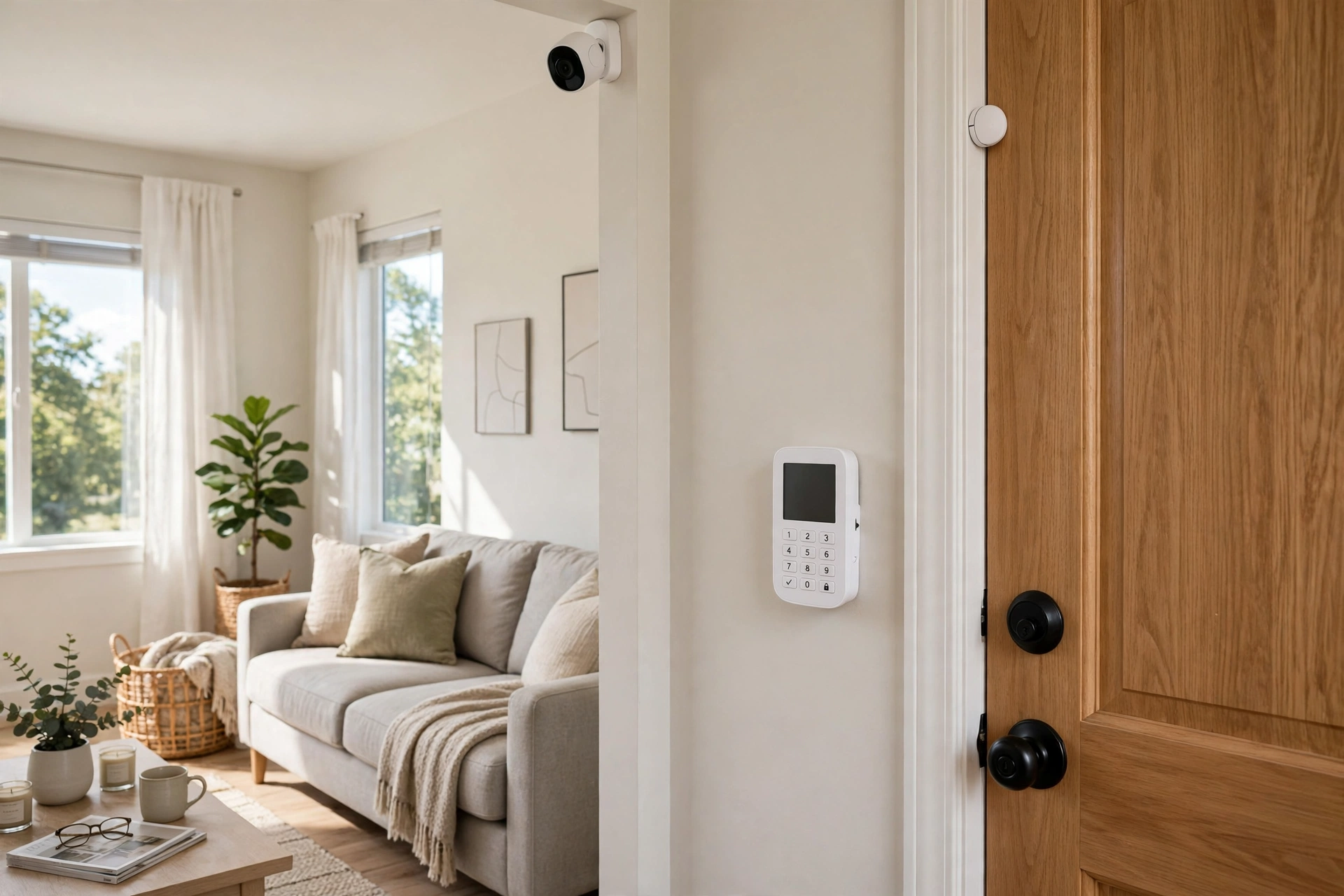
A home security system with no monthly fee is entirely possible — you just have to choose the architecture, not just the brand. The systems that genuinely stay free in 2026 are the ones built around self-monitoring and local storage: Abode (the best free app experience), eufy (no video plan exists to be sold), and local camera/NVR systems from Reolink or Lorex (records everything at home, no account needed). Two famous names come with honest asterisks — SimpliSafe and Ring — and this guide explains exactly which of their features are free and which are paywalled, based on manufacturer plan pages and specifications, before you spend anything.
Prices below are approximate US prices for starter kits; check current pricing at major US retailers, because this category discounts aggressively.
First, Understand the Three Kinds of “No Monthly Fee”
Marketing blurs three very different things. Separate them and the rest of this guide makes sense.
1. Free self-monitoring (the real thing)
The system arms, detects, sounds its siren, and sends alerts to your phone — you are the monitoring centre, and it costs $0 forever. Abode’s free tier and eufy’s alarm kits work this way. The trade-off is real: if you miss the alert, nobody calls the police for you.
2. Unmonitored local alarm (free, but dumber than it looks)
The siren works and the keypad works, but the app — notifications, remote arming, camera recording — is limited or paid. Parts of the SimpliSafe and Ring experiences land here depending on plan and, for Ring, on when the system was first set up. This tier is where buyers feel misled, so we flag it system by system below.
3. No-plan camera systems (a different animal)
Reolink and Lorex NVR kits are not traditional alarms — there is no keypad or entry-sensor ecosystem — but they record 24/7 to a hard drive in your house, stream to your phone free, and never ask for a cent again. For many homes, that plus a doorbell is the security system.
Quick Picks: No-Monthly-Fee Security Systems Compared
| System | Free tier reality | Starter kit approx. | Cameras record free? | Pro monitoring if wanted |
|---|---|---|---|---|
| Abode Smart Security Kit | Full app self-monitoring free | $150–$200 | Paid tiers add video features | ~$20/mo, optional |
| eufy Alarm Kit + HomeBase | App alerts + local recording free | $180–$300 | Yes, locally to HomeBase | Optional add-on where offered |
| Reolink / Lorex NVR kit | 24/7 local recording, app viewing free | $300–$600 | Yes, to the NVR hard drive | Not offered — self-monitor only |
| SimpliSafe | Local alarm free; recordings paywalled | $200–$280 | No — cloud recording needs a plan | ~$20–$33/mo, optional |
| Ring Alarm | Heavily plan-dependent (see below) | $200–$330 | No — recording needs Ring Home | ~$20/mo (Ring Home Pro tier) |
Best Overall: Abode Smart Security Kit
Abode is the system we recommend first for fee-avoiders because its free tier is a product, not a teaser. Based on Abode’s published plan structure, the $0 plan includes app control (arm/disarm from your phone), push notifications when sensors trigger, automations, and the local siren. Abode is also the rare security system with native Apple HomeKit support alongside Alexa and Google Home, and its hub talks Z-Wave and Zigbee, so cheap third-party sensors join the system instead of locking you into one catalogue.
What does money buy at Abode? Paid tiers (starting around $6/month) add things like cellular backup and richer history/video features, and professional monitoring sits around $20/month — all optional, month-to-month, no contract. The honest limitation: Abode’s own camera range is small, and owner feedback rates its app as capable rather than class-leading. Starter kits run roughly $150–$200 at typical sale prices.
Pros
- Genuinely usable free tier: app arming, alerts, automations included
- HomeKit + Alexa + Google, plus Z-Wave/Zigbee sensor freedom
- Pro monitoring is cheap and contract-free if you ever want it
Cons
- Small first-party camera lineup; not a camera-first system
- Cellular backup is a paid extra — free tier rides on your Wi-Fi
- App polish trails Ring and Nest
Best With Cameras Included in the Fee-Free Promise: eufy
eufy takes the opposite approach to the industry: for video, there is effectively no plan to buy. Its alarm kits pair entry and motion sensors with a HomeBase hub; the HomeBase stores camera and doorbell footage locally (expandable storage on HomeBase 3), runs the AI detection on the hub, and sounds a built-in siren. App alerts, arming, and recorded playback are simply how the product works — owners consistently cite “it never asks me for money” as the reason they chose it.
eufy has begun offering optional professional monitoring in some markets as an add-on, but the system is complete without it. The caveats: no cellular backup, so a cut internet connection leaves you with a local siren only; no HomeKit on the alarm side; and you will likely add sensors beyond the starter kit’s count for a larger home. Budget roughly $180–$300 for a kit plus HomeBase.
Pros
- No video subscription exists — local recording is the whole deal
- One hub unifies alarm sensors, cameras, and doorbells
- On-hub AI detection included free
Cons
- No cellular backup option on the free path
- Starter kits are sensor-light for bigger homes
- No Apple HomeKit for the alarm system
Best for 24/7 Recording: A Local NVR Camera System (Reolink / Lorex)
If your mental picture of “security system” is cameras that never stop recording, skip the alarm brands entirely. A Reolink or Lorex NVR kit — typically 4–8 Power-over-Ethernet cameras and a recorder box with a 1–3TB hard drive — records around the clock to storage you own, streams live and recorded video to your phone free, and involves no account with anything to upsell. In owner feedback, this is the setup recommended most often by people burned by subscription creep elsewhere.
The gaps are the flip side of the alarm systems: no door/window sensors, no keypad, no monitored smoke/CO listening, and running Ethernet cables is a real weekend project (Wi-Fi and battery camera kits from the same brands soften this at some cost to reliability). Kits run roughly $300–$600, scaling with camera count and resolution.
Pros
- True 24/7 recording with zero ongoing cost
- Footage never leaves your house; huge storage is a cheap hard drive
- PoE cameras are set-and-forget reliable
Cons
- No entry sensors, keypad, or alarm ecosystem
- Wired installation effort (or pricier wireless kits)
- You are the monitoring centre — alerts are motion events only
The Caveat Picks: SimpliSafe and Ring, Feature by Feature
Both are good hardware. Neither belongs on a “no fee” list without fine print — so here is the fine print, stated as precisely as current plan pages allow. Both brands have changed their free tiers in the past, which is itself a reason for caution: verify the current terms at purchase.
SimpliSafe: free alarm, paid recordings
- Free: The system works unmonitored — keypad arming, entry/motion detection, and the siren. SimpliSafe’s current plan structure also offers a basic free tier with app access; the exact contents of that tier have shifted over the years.
- Paid: Camera recordings. SimpliSafe cameras have no local storage, so saving video (rather than just viewing live) requires a plan — a self-monitoring-with-recordings tier around $10/month, or professional monitoring plans around $20–$33/month.
- Verdict: Fine if you mainly want a loud alarm and live camera check-ins. Frustrating if you assumed “no required fee” meant free video history.
Ring Alarm: it depends when you bought in
- Free: A local siren and keypad control. Beyond that, it genuinely depends: Ring announced in 2023 that alarm systems first set up after that change would need a Ring Home (formerly Ring Protect) plan for app-based arming/disarming and notifications, while earlier owners were grandfathered on free app self-monitoring. Sources and owner reports still conflict at the edges — check what your own account shows before assuming.
- Paid: All camera/doorbell video recording (Ring devices never record without a plan), plus professional monitoring and cellular backup on the ~$20/month Pro tier.
- Verdict: Excellent ecosystem, poor fit for a strict no-fee requirement unless you are a grandfathered owner. Most new buyers should price it with the plan.
The 3-Year Cost Reality Check
Sticker prices lie; monthly fees compound. Approximate totals for a starter system over three years (equipment + fees, using list-ish prices — sales change these, the shape doesn’t):
| Path | Equipment | 36 months of fees | 3-year total |
|---|---|---|---|
| Abode, free self-monitoring | ~$199 | $0 | ~$199 |
| eufy kit + HomeBase | ~$250 | $0 | ~$250 |
| Reolink 4-camera NVR kit | ~$450 | $0 | ~$450 |
| SimpliSafe + self-monitor w/ recordings (~$10/mo) | ~$250 | ~$360 | ~$610 |
| Ring Alarm + Ring Home Standard (~$10/mo) | ~$250 | ~$360 | ~$610 |
| Ring Alarm + Pro monitoring (~$20/mo) | ~$250 | ~$720 | ~$970 |
| SimpliSafe Pro monitoring (~$30/mo) | ~$250 | ~$1,080 | ~$1,330 |
| Traditional contract system (ADT-style, ~$45/mo + install) | varies | ~$1,620+ | ~$1,700+ |
Read the table the right way: professional monitoring is not a scam — a centre that dispatches police when you are asleep, travelling, or phone-less is a real service worth real money to many households. The point is simply that it should be a chosen line item, and that “no monthly fee” systems save roughly $400–$1,500 over three years when self-monitoring genuinely fits your life.
How to Choose a No-Fee Security System
- Decide who responds. Honest question: will someone in your household reliably see and act on a 3 a.m. alert? If not, budget for monitoring instead of pretending otherwise.
- Sensors or cameras first? Want doors/windows/motion covered with a keypad? Abode or eufy. Want continuous recorded evidence? NVR kit. Many homes end with both layers.
- Audit the free tier in writing. For any system, list the five features you care about (app arming, alerts, camera playback, video history length, cellular backup) and confirm each against the maker’s current plan page — not a review, including this one.
- Check your ecosystem. HomeKit households: Abode is the standout. Alexa households: everything here works. Google households: check the specific kit.
- Plan for the internet going down. Free tiers ride on Wi-Fi. If outages are common, either accept the gap, choose a system with optional cellular you can enable later, or add a router battery backup.
Frequently Asked Questions
Is a self-monitored security system actually effective?
For deterrence and awareness, largely yes — a loud siren, visible cameras, and an instant phone alert do most of the practical work, and in owner feedback these are the features people actually use. What you give up is guaranteed response: no centre dispatches help if you miss the alert. Households with someone almost always phone-reachable tend to find self-monitoring genuinely sufficient; frequent travellers and heavy sleepers are the ones who most often add monitoring later.
Will a no-fee system call the police or fire department?
No. On a free tier, the system alerts you; calling 911 is your job. Automatic dispatch is precisely what professional monitoring sells. One partial exception: monitored smoke/CO response is the feature safety experts value most, so if fire dispatch matters to you, price a monitored plan for that reason alone — or pair a no-fee alarm with standalone smart smoke/CO detectors that alert your phone directly.
Do no-monthly-fee systems work during an internet outage?
The local parts do: sensors still trigger and sirens still sound, and NVRs and HomeBase hubs keep recording locally. What stops is the phone alert, since free tiers have no cellular path. Systems differ on whether events queue and sync when the connection returns — hub-based systems generally handle this best. If outages are routine, see the router-backup tip in our how-to-choose section.
Can I add professional monitoring later, just for a holiday?
On Abode, yes — monitoring is month-to-month and can be switched on for a month and off again, a genuinely useful pattern owners report using for vacations. SimpliSafe’s monitoring is likewise contract-free. Ring’s monitoring requires the Pro tier subscription for as long as you want it. This “monitoring as a holiday add-on” is one of the strongest arguments for no-contract systems over traditional ones.
Are there any hidden costs with “free” systems?
A few honest ones: replacement batteries for sensors every year or two, a larger hard drive if you expand an NVR, extra sensors beyond the starter kit, and the possibility that a brand reshuffles its free tier (Ring and SimpliSafe have both done so). None of these resemble a subscription, but budget a small annual amount for consumables and you will never be surprised.
Related Guides
Complete your no-monthly-fee setup with these SMT Electro guides:
- 10 Best Smart Security Cameras for Home Protection — the cameras that pair with these systems
- 10 Best Smart Door Locks for Home Security — keyless entry that works with your alarm and assistants
- Best Smart Smoke Detectors — phone-alerting smoke and CO protection for the gap self-monitoring leaves
Prices and plan details in this guide are approximate US figures based on manufacturer list prices and published plan pages at the time of writing. Security brands revise free tiers and plan pricing periodically — confirm the current plan terms on the manufacturer’s site and current equipment prices at major US retailers before buying. This guide will be updated as plans change.