Smart Switch vs Smart Bulb: Which Should You Buy (and When You Need Both)?
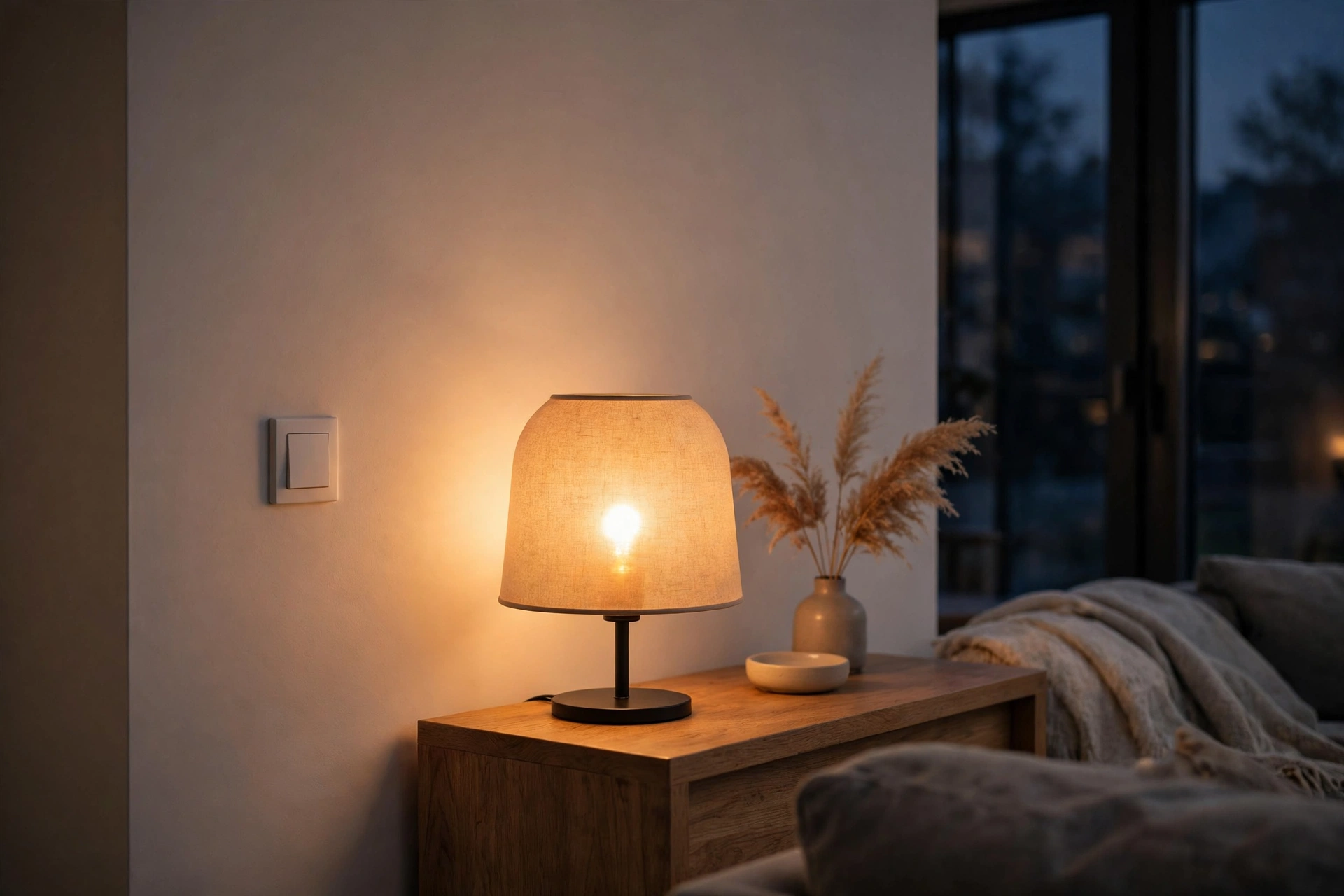
Smart switches and smart bulbs both control lights from your phone or voice, but they solve different problems. A smart switch replaces the wall switch for a fixture; a smart bulb replaces the bulb inside a lamp. Choose the wrong one and lights can cost too much, confuse guests, or stop working when someone flips a switch by habit.
We have not tested specific products in a lab, and we do not quote prices, brightness figures, or lifespan figures as facts, because those vary by model, fixture, and use. Verify current specifications and compatibility before buying. The goal here is a room-by-room decision framework, not a claim that one option wins everywhere. In most homes, the honest answer is a mix, chosen deliberately rather than by accident.
How a Smart Switch Works
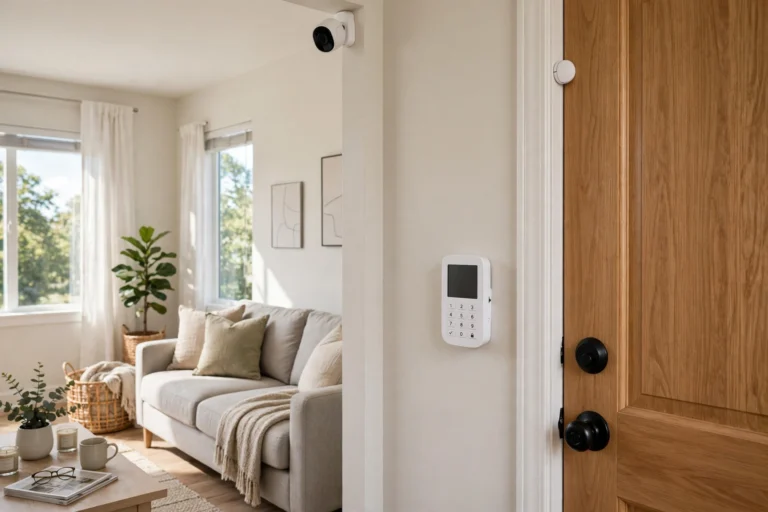
A smart switch sits in the wall box where your ordinary switch lives and controls power to everything wired to it. Press the physical switch and it still works normally — a major advantage for guests and children — while app, voice, schedules, and dimming add convenience on top.
Because a switch controls the fixture, you can keep ordinary bulbs. One switch covers a fixture with several bulbs, where several smart bulbs would be needed. The trade-off is installation: it involves mains wiring, so hire an electrician if you are unsure.
How a Smart Bulb Works
A smart bulb puts the intelligence inside the bulb. Screw it into a lamp, pair it, and you can change brightness and often colour from your phone or voice. It needs continuous power, so the wall or lamp switch must stay on — turn it off, and the bulb cannot respond.
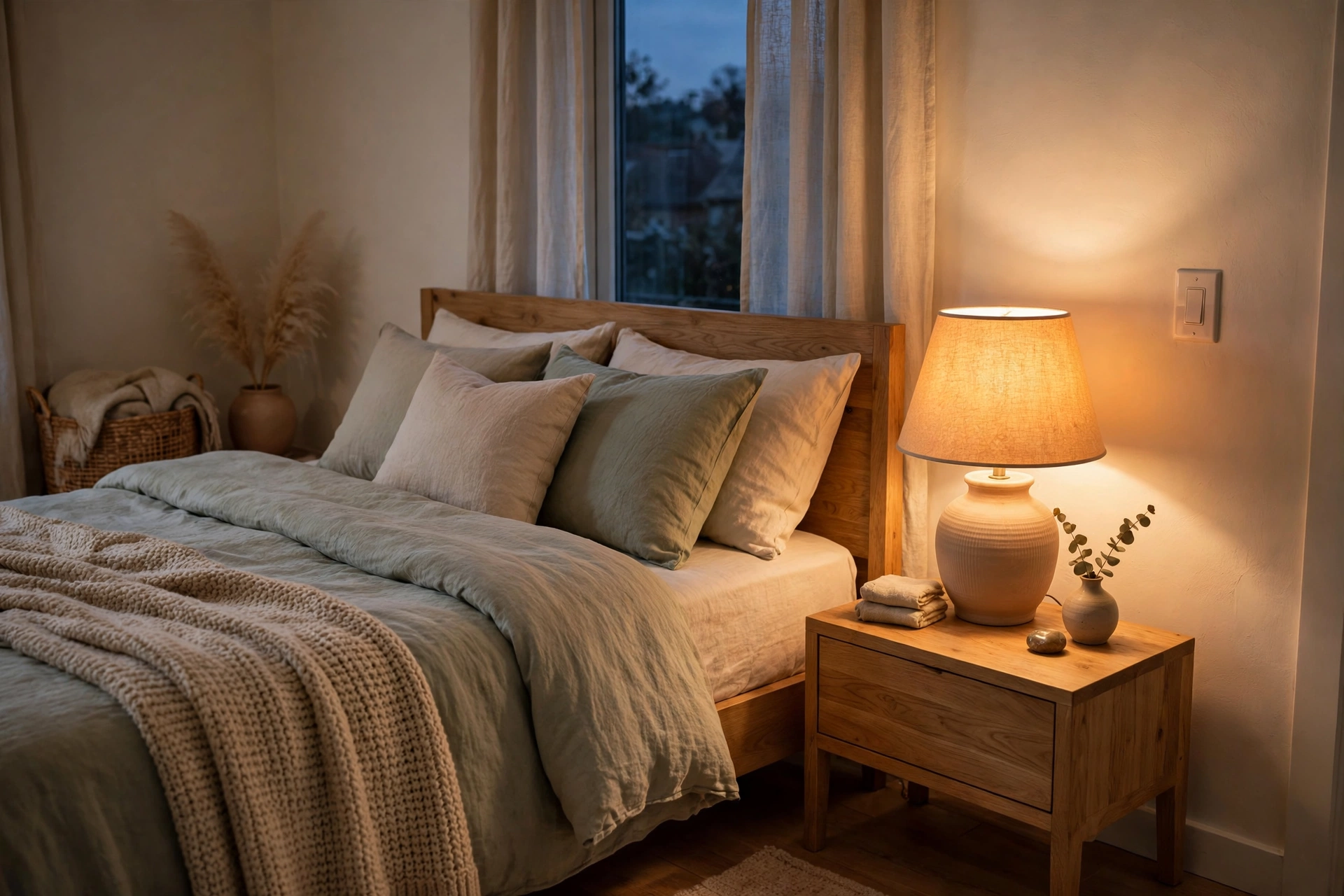
That requirement shapes everything about bulbs. They shine in lamps and single fixtures where colour, scenes, and individual control matter, such as a bedside lamp shifting from bright white to warm and dim. They install with no wiring and move easily between rooms.
The cost pattern is the mirror image of a switch. One bulb is inexpensive, but a fixture with six bulbs needs six smart bulbs, and the cost adds up quickly. Bulbs are also tied to a single socket: move the lamp, and the smart feature moves with the bulb, which is convenient in a rental but less tidy for a whole ceiling fixture that several people use.
Cost per Room: Where the Math Changes
Compare a whole room, not one switch to one bulb. A four-bulb ceiling fixture needs one smart switch but four smart bulbs, so the switch usually wins on cost. A single bedside lamp reverses the math: one bulb is cheaper than a switch.
A single lamp also shows the bulb’s other advantage: colour and scene control that a basic switch cannot offer alone. But remember replacement cost — an ordinary bulb on a switch is cheap to replace, while a burnt-out smart bulb replaces the smart part too.
The Neutral Wire Question
Many smart switches need a neutral wire in the wall box to power their electronics, and many older US homes do not have one in every box. If you see only a hot wire and a switched wire, with no neutral bundle, a standard smart switch may not be an option there.
Check your boxes, or have an electrician check them, before buying switches. Some switches work without a neutral wire but may have minimum-load or bulb-compatibility limits, so read the wiring requirements for your exact model. If wiring is unclear, damaged, or very old, call a licensed electrician.
If a room lacks a neutral wire and rewiring is not practical, smart bulbs become the natural fallback. They need no wall-box wiring at all, and they can deliver most of the convenience of a switch for lamps and single fixtures. That is one of the most common reasons a home ends up with both: switches where wiring allows, bulbs where it does not.
Guests, Family, and the “Someone Turned It Off” Problem
The guest problem is the most common frustration with bulbs: a visitor turns a lamp off at the switch out of habit, and routines and voice commands stop working. You must then explain that the switch must stay on — unintuitive and easy to forget. Switch guards or a nearby smart button help, but they are workarounds.
Smart switches avoid this problem by design. The wall switch remains the control, so anyone can walk into a room and use the light normally, while app and voice control remain available for everyone else. That is why switches are usually the better choice for hallways, kitchens, bathrooms, and any room guests use. They preserve the normal behavior of a house, which matters more than most feature lists suggest.
Renters: What You Can Change, and What You Should Not
Changing a wall switch touches mains wiring and the landlord’s fixture, and many leases forbid it or require permission and restoration. Keep original parts and photograph original wiring first. For most renters, that effort is only worth it for a long tenancy.
Smart bulbs are the classic renter-friendly option: they screw in, come out, and travel to the next home, with no wiring or restoration work. Smart plugs and battery-powered buttons can extend that approach to lamps and rooms without a wall switch.
Dimming, Colour, and Scenes
Dimming is where details matter. A dimming switch controls all bulbs on its circuit together, while a smart bulb dims itself individually. Combining a dimming switch with a dimmable smart bulb can cause flickering, because two dimmers control the same light.
As a general rule, pair smart bulbs with a non-dimming smart switch, or keep the switch fully on, and use the bulb itself for dimming and colour. Pair ordinary dimmable bulbs with a dimming smart switch. Check compatibility guidance for your exact bulbs and switch before combining them, and test a single room before buying for the whole house.
Colour and scenes are the bulb’s clear advantage: a switch cannot make a white bulb change colour. Some households combine them — a switch for the main ceiling light, and a colour bulb in a lamp for evening ambience.
Hubs, Protocols, and Voice Control
Both come in Wi-Fi, Zigbee, Z-Wave, and Thread varieties. Wi-Fi devices need no hub but can strain a crowded network; hub-based protocols are often more reliable. Choose based on what you already have, not one product’s headline feature.
Voice control works with both — see our voice assistant comparison. Routines are where the combination pays off: one good-night routine can turn off ceiling lights and dim bedside lamps. Before buying at scale, read our Matter guide and Thread guide.
One caution applies to both: keep a physical control in every room. A switch gives you that by default. A bulb-only room needs a button, remote, or a switch guard plus a button, or the room becomes unusable when your phone is charging or the network is down. Physical control is not old-fashioned; it is resilience.
When You Need Both
The best setups use both, each where it excels: a switch for the living-room ceiling fixture so guests can use the room normally, plus a colour bulb in a floor lamp for evening scenes; a switch for the bedroom overhead light, plus warm bulbs in bedside lamps.
| Room / situation | Usually better | Why |
|---|---|---|
| Multi-bulb ceiling fixture | Smart switch | One control covers all bulbs; guests use it normally |
| Single bedside or desk lamp | Smart bulb | Cheap, portable, colour and scenes |
| Hallway, kitchen, bathroom | Smart switch | Anyone can use it without an app |
| Rental, no wiring changes | Smart bulb | No wiring; travels with you |
| No neutral wire in the box | Smart bulb | No wall-box wiring needed |
| Colour scenes and ambience | Smart bulb (plus switch for main light) | Only bulbs change colour |
Which Should You Choose? A Room-by-Room Decision
For each light, ask four questions: how many bulbs does one switch control? Who uses the room, including guests? Can you change the switch — ownership, neutral wire, and wiring confidence? And do you need colour, or just on, off, and dimming?
Start with the rooms you use most — often switches for the kitchen, hallway, and main living-room ceiling lights, and bulbs for bedside and accent lamps. Buy one room’s worth first and live with it for a few weeks before buying for the whole house.
Frequently Asked Questions
Can I use a smart bulb with a smart switch?
Yes, but carefully. Use a non-dimming smart switch, or keep a dimming switch fully on, and let the bulb handle dimming and colour. Combining a dimming switch with a dimmable smart bulb can cause flickering or buzzing, so check compatibility for your exact models and test one room first.
What if my switch box has no neutral wire?
Some smart switches work without a neutral wire, but they may have minimum-load or bulb-compatibility limits, so read the wiring requirements for your exact model. If rewiring is not practical, smart bulbs are the simpler fallback, since they need no wall-box wiring at all. When in doubt, ask a licensed electrician.
Why does my smart bulb stop responding?
The most common cause is that someone turned the lamp or wall switch off, cutting power to the bulb. Turn the switch back on and the bulb should reconnect. If it happens often, consider a switch guard, a smart button near the switch, or replacing that light with a smart switch instead.
Are smart switches safe to install myself?
It depends on experience and local rules. Switch replacement involves mains wiring, so if you are not confident, if the box is unclear, or if you see damaged or very old wiring, hire a licensed electrician. Always turn off the circuit at the breaker, verify power is off, and follow the manufacturer’s instructions.
Can renters use smart switches?
Sometimes, with written landlord permission and a plan to restore the original switch on move-out, including photos of the original wiring. For most renters, however, smart bulbs and portable buttons are the simpler, safer choice, since they involve no wiring and travel to the next home.
Do smart bulbs and switches work if the internet goes down?
It depends on the system. A smart switch still works as a physical switch without the internet, which is a strong advantage. Smart bulbs usually need power and a local connection for app or voice control, and a physical button or remote helps when the network is down. Keep a physical control in every room.
The right answer is rarely one technology for the whole house. Put switches where many bulbs share one control and guests need normality, put bulbs where colour, portability, or a missing neutral wire decides the question, and combine them where a room needs both. Done room by room, that approach is cheaper, kinder to guests, and far more likely to still feel smart a year later.