Video Doorbell Wiring Explained: Transformer, Chime and Compatibility Guide

A video doorbell is only as reliable as the wiring behind it. If the transformer is too weak, the chime is the wrong type, or a wire is loose, you can get a doorbell that rings inconsistently, reboots when pressed, or does not ring inside at all. Most of these problems are power and compatibility problems, and they are preventable by checking before installation.
This guide is a wiring and setup how-to for homes in the United States. It explains how a wired doorbell circuit works, what a transformer does, how mechanical and digital chimes differ, and when a bypass jumper is needed. It does not rank doorbell products. No product was tested here, and no specification is presented as a current fact for a specific model — always check the manufacturer’s current wiring requirements. If unsure, call an electrician.
Safety First: Read This Before You Touch Any Wiring
Doorbell wiring is low-voltage, but it connects to mains power through the transformer. Never work on a transformer, chime, or doorbell wiring with power on: switch off the breaker feeding the circuit and confirm power is off. If you cannot identify the breaker, do not proceed on your own.
Take photos of the existing wiring before you disconnect anything, and label each wire. Keep children and pets away, use insulated tools, and do not work in wet conditions. If the wiring looks damaged, melted, or improvised, or your home has old cloth or aluminum wiring, get professional help rather than improvising.
How a Wired Doorbell Circuit Works
A traditional wired doorbell circuit has four parts: transformer, button, chime, and wires. The transformer steps down mains voltage to the low voltage the circuit uses. When someone presses the button, the circuit closes and the chime sounds. A video doorbell replaces the button with a small computer that also needs continuous power, camera, and Wi-Fi, so its power requirements are stricter than a basic button’s.
Think of the circuit as a loop: power leaves the transformer, travels to the doorbell, then to the chime, and back. If any part is broken, undersized, or incompatible, the whole system suffers — a loose wire at the chime can look like a doorbell fault, so always check the whole circuit first.
The Transformer: Voltage, Power, and Location
The transformer is the most common source of wired doorbell problems. Most US video doorbells need a transformer in a specific low-voltage range, commonly around 16 to 24 volts, with enough power capacity, described in volt-amps (VA), to run camera and chime together. The exact requirement varies by model, so use the manufacturer’s specification for your exact doorbell, not a number from another model.
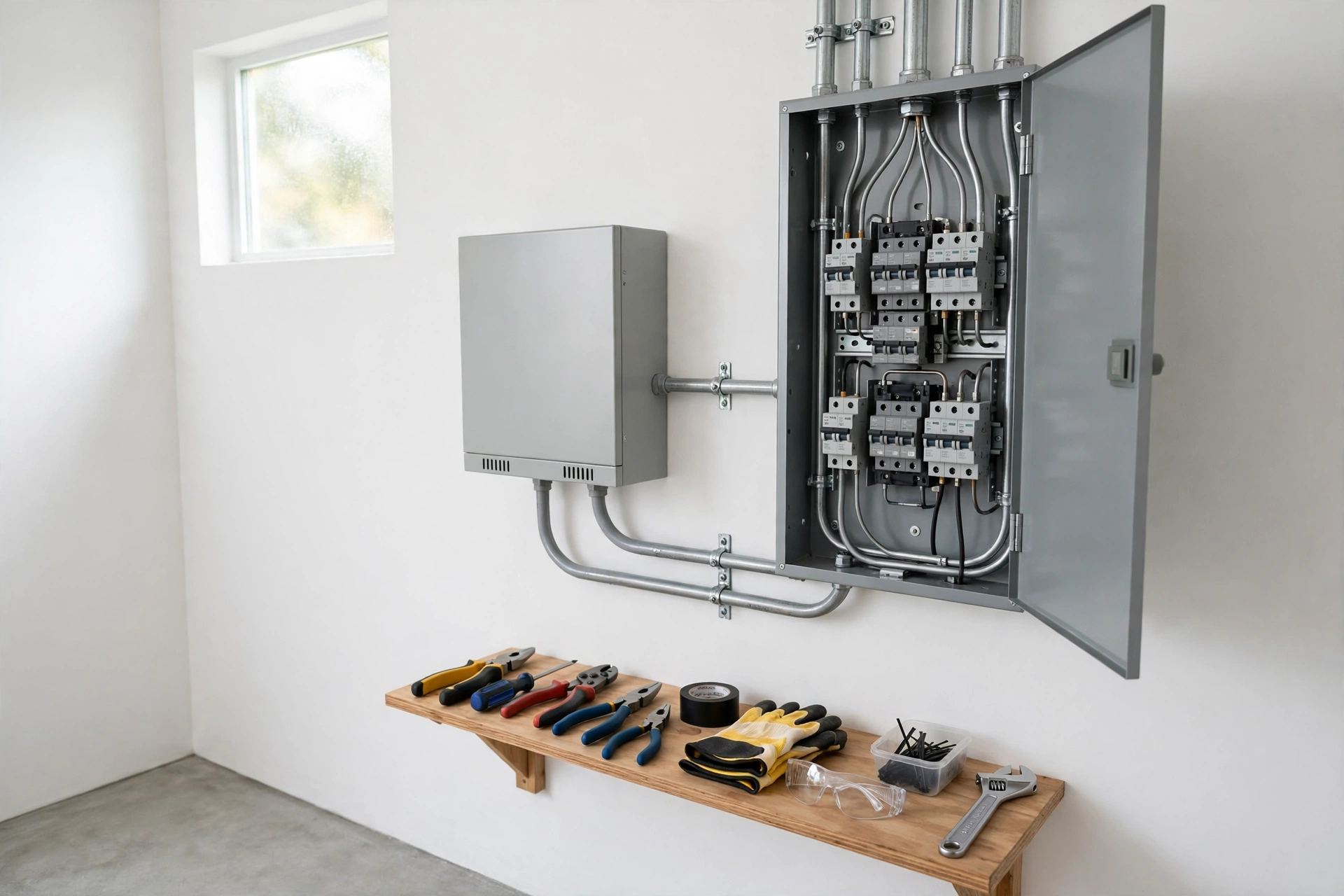
To check your transformer, switch off the breaker, then look for a small metal box, often near the electrical panel, in a utility room, closet, or garage. Its label usually lists voltage and VA. If the label is unreadable, do not guess — an electrician can check it quickly, and should handle replacement, which involves mains wiring.
Mechanical Chimes vs Digital Chimes
Your indoor chime is not just a speaker; it is part of the circuit, and its type changes how a video doorbell must be installed. A mechanical chime uses a plunger striking metal bars — the familiar ding-dong — powered directly by the circuit. A digital chime plays a recorded tone through a speaker and has its own electronics, which can behave differently when a video doorbell draws continuous power.
| Chime type | How it sounds | What to watch for |
|---|---|---|
| Mechanical chime | Plunger strikes metal bars (“ding-dong”) | Often works directly, but may buzz or hum if power is marginal |
| Digital chime | Plays a recorded tone through a speaker | May need a bypass, adapter, or specific setting; some models are incompatible |
| No indoor chime | No indoor sound; alerts go to a phone or speaker | Simplest wiring, but no one hears the door if the phone is silent |
| Wireless chime add-on | Separate plug-in chime paired to the doorbell | Check range and whether it needs its own setup |
If you are unsure which type you have, remove the chime cover (with power off) and look inside. A mechanical chime has visible plungers and bars; a digital chime has a circuit board and a speaker. Photograph the inside, including wiring labels, before changing anything — it is useful if you need to ask the manufacturer or an electrician a compatibility question.
Compatibility Checks Before You Buy or Install
Compatibility is a checklist, not a guess. Confirm the transformer meets the manufacturer’s requirement, identify chime type and whether it needs an adapter or bypass, and check that at least two wires reach the door. Also check Wi-Fi signal at the door and the mounting surface and rain exposure.
Fourth, check Wi-Fi at the front door, because a doorbell that cannot hold a connection will seem like a wiring problem when it is not. Stand at the door with your phone and check signal strength, and consider whether a mesh node or extender is needed. Fifth, check the mounting surface, door frame, and exposure to rain, since a doorbell mounted at an angle or in direct driving rain may need a wedge or cover. If any check fails, solve it before installation rather than hoping the doorbell will work around it.
Bypass Jumpers and Chime Adapters Explained
A bypass jumper is a small connector that bridges the terminals inside a chime box, effectively taking the chime out of the circuit. Use it when a video doorbell needs continuous power and the chime would otherwise interfere, or when you want alerts only on phone and speakers. Installing one means the indoor chime will no longer sound, so be sure that is what you want first.
A chime adapter, sometimes called a chime connector, sits inside the chime box and regulates power so the video doorbell and existing chime can work together. Some doorbells include one, some offer it separately, and some do not need one. Follow the manufacturer’s instructions for your exact model and chime type, do not install a bypass and an adapter together unless told to, and never leave bare wire ends exposed.
Wired, Battery, and Plug-In Power: The Trade-Offs
Battery models need no wiring but need regular charging; plug-in models need an outlet near the door; wired models give continuous power but depend on the transformer and chime checks in this guide. Renters: get permission first.
A wired model, once installed correctly, gives continuous power and usually the most reliable operation, but it depends on the transformer and chime checks in this guide. There is no universally best option. Choose wired if you have compatible wiring and want continuous power, battery if you have no wiring or cannot modify it, and plug-in if you have a suitable outlet and do not mind the cable. If you are a renter, check your lease and get permission before drilling or changing any wiring.
Step-by-Step: A Sensible Installation Order
Work in this order. Switch off the breaker and confirm power is off, photograph and label existing wiring, and check transformer and chime type, upgrading the transformer first if needed — preferably by an electrician. Mount the bracket, connect wires firmly with no bare copper outside terminals, restore power, and test doorbell, Wi-Fi, and chime in stages. Add a bypass or adapter only if the guide calls for it, retest, and keep photos and instructions together.
Fifth, restore power and test in stages: check that the doorbell powers up and connects to Wi-Fi, then test the indoor chime, then test a press from outside and a live view from inside. Sixth, install a bypass or adapter only if the manufacturer’s guide calls for it with your chime type, and retest after any change. Finally, tidy the wiring, refit chime covers, and keep the manufacturer’s instructions and your photos together. If any stage fails, go back one step rather than forcing the next one.
Troubleshooting Common Wiring Problems
If the doorbell does not power on, check breaker, transformer output, and connections at doorbell and chime — a wire loose under a screw terminal is a common cause. If it reboots when pressed, the transformer is the prime suspect. If the chime does not sound, check chime type, a mistaken bypass, and the app’s chime setting. Buzzing often points to marginal power; a digital chime playing only part of its tone usually points to a missing adapter.
Buzzing or humming from a mechanical chime often points to marginal power or a chime that is not fully compatible with continuous current draw. A digital chime that plays only part of its tone, or plays repeatedly, usually points to a missing adapter or an incompatible chime. If Wi-Fi drops only at night or in cold weather, check signal strength at the door and battery health if applicable, before assuming a wiring fault.
When to Call an Electrician
Call a licensed electrician if you cannot identify the correct breaker, the transformer needs replacing, the panel or wiring looks old or damaged, there is no existing wiring and you want a wired model, or the checks in this guide do not solve the problem. Also call one if local code requires a permit or inspection. Wrong electrical work can damage the doorbell or wiring and create a safety risk not worth saving a service call.
For broader context, see our guide to the best smart home devices, our guide to video doorbells without a subscription, and our Thread explainer.
Which Setup Is Right for Your Home?
With a mechanical chime and a suitable transformer, wired installation is usually simplest: verify, mount, connect, and test. With a digital chime, budget time for the adapter or bypass decision. With no wiring, battery or plug-in avoids running new wires, at the price of charging or cable management. If you travel often, wired power is worth prioritizing; if you rent, reversibility matters more.
If you travel often or rely on the doorbell for security, continuous wired power is worth prioritizing, because a flat battery at the wrong moment defeats the purpose. If you rent, reversibility matters more than permanence: a battery model or a plug-in model that leaves the existing wiring untouched is usually the safer choice. Whatever you choose, the decision should follow the compatibility checks, not precede them.
Frequently Asked Questions
Do I need a transformer for a battery video doorbell?
No. A battery model powers itself and needs no transformer, though many can also be wired to a transformer for continuous charging if compatible wiring exists. Check the manufacturer’s instructions before wiring one.
How do I know if my transformer is strong enough?
Check the label for voltage and VA, and compare both to the manufacturer’s requirement for your exact model. If the label is unreadable, or the doorbell reboots when pressed, have an electrician measure the output.
Can I keep my existing chime with a video doorbell?
Often, yes, especially with a mechanical chime, but it depends on model and chime type. Some digital chimes need an adapter, some need a bypass that disables the chime, and a few are incompatible. Check the manufacturer’s compatibility list first.
What is a bypass jumper, and when do I need one?
A bypass jumper bridges the terminals inside a chime box so the chime is removed from the circuit. It is used when the chime interferes with continuous power, or when you want alerts only on phones and speakers. Only install one if the manufacturer recommends it for your setup.
Why does my doorbell work but my chime does not ring?
Common causes are a bypass installed by mistake, a chime setting disabled in the app, an incompatible digital chime, or a loose wire at the chime. Check wiring with power off, confirm chime type, and review the app’s chime settings before replacing hardware.
Is doorbell wiring safe to do myself?
Low-voltage doorbell wiring is often manageable for a confident homeowner who can switch off the correct breaker and follow the manufacturer’s instructions. Transformer replacement, panel work, damaged wiring, and any step you are unsure about should be left to a licensed electrician.
Final Thoughts
Video doorbell wiring is less about the doorbell and more about the circuit that feeds it. A transformer that meets the requirement, a chime type you have identified, firm connections, and a test after each change will solve most problems before they start. Take photos, label wires, work with power off, and do not force a chime or transformer to work when the manufacturer’s guidance says it will not.
Done carefully, a wired doorbell becomes one of the most reliable devices in the home: always powered, always ready, and ringing inside as well as alerting your phone. If the checks here raise a question you cannot answer confidently, that is when an electrician earns their fee.