How to Build a Smart Home Without the Cloud: Local Control, No Internet, No Subscription
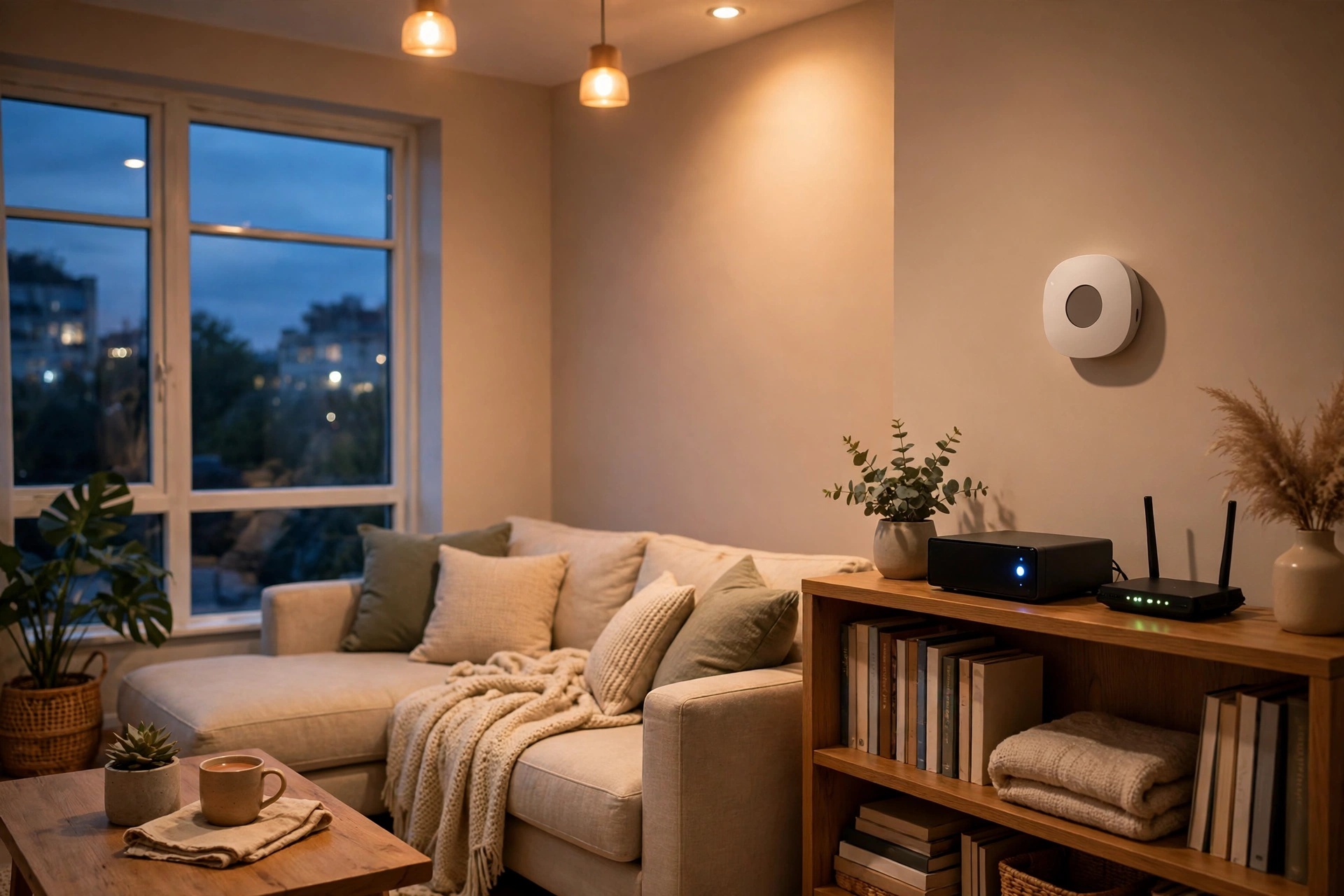
Most smart homes have a hidden dependency: the internet. You press a button in an app, the command travels to a company’s server, and only then back to your light bulb. When the connection is good, you never notice. When it goes down, your “smart” home can suddenly feel very dumb.
A local smart home works differently. Commands and automations run on a hub inside your house, devices talk over your home network, and nothing important needs to leave the building. Lights, locks, and morning routines keep working even if your internet connection is completely dead.
This guide is for anyone in the United States who wants that independence — for reliability, privacy, avoiding monthly fees, or all three. It explains what local control means, which hubs and protocols support it, which devices to choose, and how to build a system step by step, with no technical background needed.
What “Without the Cloud” Actually Means
First, an important clarification: a smart home without the cloud still uses a network. Devices still communicate wirelessly, and you still control them from your phone at home. What changes is where decisions are made.
In a cloud-dependent system, your hub or app sends every command to a remote server for processing. In a local system, a hub in your home makes those decisions itself, and your phone app talks to it over your home Wi-Fi — not through a distant data center.
This distinction has practical consequences. Local automations respond faster, because commands do not take a round trip across the internet. They keep working during outages, and your device data — when doors open, when rooms are occupied, what temperature you prefer — stays in your home instead of being stored on a company’s servers.
It does not mean you can never use the internet. Most local systems still let you check on your home remotely when you choose to, usually through a secure connection you control. The point is that remote access becomes an option, not a requirement. If the internet disappears, your home keeps working.
Why People Choose Local Control
Reliability is the most common reason. Outages happen — storms, construction, provider problems — usually at inconvenient moments. A local system treats an outage as a non-event: locks, lights, thermostats, and sensors keep operating exactly as before.
Privacy is the second reason. Cloud-based devices routinely send usage data to manufacturers — when you are home, when you sleep, how often you open a door. A local system keeps that information in your home, which matters most for cameras and microphones.
Cost is the third reason. Many cloud services fund themselves with monthly fees for video history, advanced automations, or remote access, while a local system usually means buying hardware once and paying nothing ongoing for core features — the same principle behind our guides to security systems with no monthly fee and video doorbells without a subscription.
There is also a longevity argument: when a company discontinues a cloud service, cloud-dependent devices can lose features or stop working. A local system does not depend on any single company’s servers, making it more resilient over years of use.
The Three Pieces of a Local Smart Home
A local smart home has three layers, and understanding them makes every buying decision easier.
The hub. This is the brain, and the most important choice. It runs your automations locally and speaks your devices’ protocols. The two most local-first options are Home Assistant and Hubitat, both of which process automations on hardware in your home. Other platforms vary — always check whether a specific device and automation actually runs locally, rather than assuming the whole platform does. Our companion guide, Home Assistant vs SmartThings vs Hubitat, covers the hub decision in detail.
The protocols. Devices need a way to talk to the hub, and that way should not depend on the internet either. Zigbee, Z-Wave, and Thread are all local mesh protocols: devices communicate with the hub over your home network, not through the cloud. Wi-Fi devices can also work locally, but only if the manufacturer designed them that way — many Wi-Fi devices route everything through a cloud account, so a Wi-Fi label alone does not guarantee local control. When in doubt, prefer devices on Zigbee, Z-Wave, or Thread, and verify the specific model’s behavior before buying.
The devices. The final layer is the devices themselves: bulbs, plugs, locks, sensors, thermostats, and cameras. For each one, ask a single question: does this device keep working if the internet goes down? A Zigbee bulb paired to a local hub will. A camera that only records to a manufacturer’s cloud will not — for cameras specifically, look for local storage options such as a memory card slot or a local network recorder, which is the same approach recommended in our doorbell and security guides.
Choosing Devices That Work Offline
Device selection is where a cloud-free build succeeds or fails.
Prefer Zigbee, Z-Wave, or Thread devices, because these protocols are inherently local: a sensor reporting to your hub over Zigbee needs no internet to trigger a light or send an alert within your home network.
Be cautious with Wi-Fi devices. Some are excellent and fully local; others require a cloud account for basic functions, including setup. Before buying, check documentation or community reports for “local API,” “local control,” or “works without internet.” If a device needs a cloud account just to turn on a light, it is not a good fit here.
For cameras and doorbells, local storage is the key feature: a camera recording to a memory card or local recorder keeps working during an outage and charges no monthly fee for video history. See our video doorbells without a subscription guide for the options.
For locks and security devices, local processing matters most: a lock that needs the cloud to accept a code fails during an outage. Choose locks and sensors that pair directly with your local hub, and test them with the internet disconnected before relying on them.
Keep physical controls too: a switch that works by hand, a lock with a key, and a thermostat with buttons are the backup that makes automation safe to rely on. A home that only works through an app is fragile, cloud or not.
Protocols and Matter: What to Know
If you are building from scratch, the protocol question comes down to a simple recommendation: prefer devices that support Matter over Thread, with Zigbee and Z-Wave as excellent alternatives for categories where Matter devices are not yet available.
Matter matters here because it is designed around local communication: a Matter device on your home network can be controlled by your local hub without routing commands through a manufacturer’s cloud.
Thread is Matter’s natural partner for battery-powered devices, forming a local mesh that connects through a border router in your home — not a cloud service. Zigbee and Z-Wave remain fully local too, with wider device ranges in some categories. See our companion guide to Zigbee vs Z-Wave vs Thread and our Matter explained guide for the full comparison.
The practical rule: whatever protocol you choose, confirm that the specific device and hub combination runs locally. Protocol alone does not guarantee it, but Zigbee, Z-Wave, Thread, and Matter-over-Thread are the right starting points.
Building It Step by Step
You do not need to rebuild your home in a weekend. A gradual build is more reliable and easier to troubleshoot.
Step 1: Pick the hub first. Choose a local-first hub and set it up before buying anything else. Learn it with one or two devices, and confirm automations run with the internet disconnected — the best proof your system is genuinely local.
Step 2: Start with lights and plugs. Smart bulbs and plugs are inexpensive, easy to install, and immediately useful — and as mains-powered devices they also strengthen your mesh network for everything you add later.
Step 3: Add sensors and safety devices. Door, motion, leak, and smoke sensors are where local control pays off most, because they protect your home whether or not the internet works. Pair them with simple automations, such as a leak sensor sending a local alert or a door sensor turning on a light.
Step 4: Add locks and climate. Smart locks and thermostats are higher-stakes, so add them once the basics are reliable. Verify lock codes work offline and the thermostat holds its schedule without a connection.
Step 5: Add cameras last, with local storage. Cameras generate the most data and raise the most privacy questions, so choose models with local storage, place them thoughtfully, and confirm recording continues during an outage.
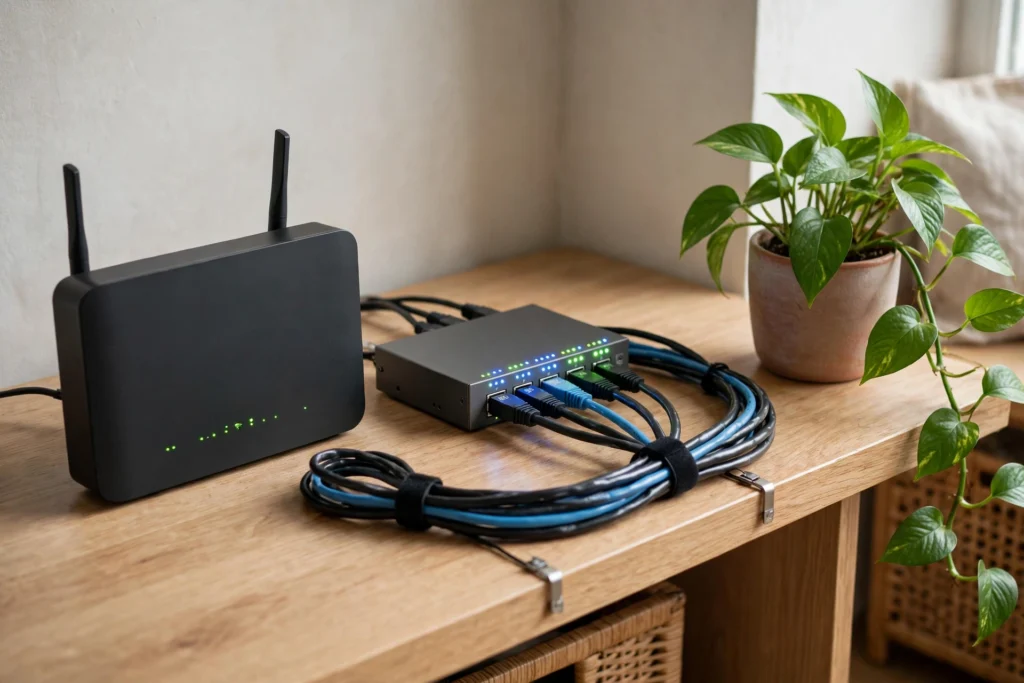
Step 6: Keep your network healthy. Your local network is now critical infrastructure: a small uninterruptible power supply for your router, modem, and hub keeps everything running through short power cuts. Separate smart devices onto their own Wi-Fi network if your router supports it — this improves security and reliability, and is one of the most effective privacy steps you can take.
What Still Needs the Internet (Honestly)
A cloud-free home is not an internet-free home. Some things genuinely benefit from, or require, a connection:
- Remote access while you are away requires a secure connection you set up yourself or a bridging service. Most local hubs offer optional remote access; using it is a choice, not a dependency.
- Voice assistants often process commands in the cloud, so some requests will travel to their servers even if the devices are local. Local voice processing exists but is more limited.
- Software updates, weather data, and automations depending on outside information — such as turning on the porch light when rain is forecast — need the internet.
- Notifications to your phone while you are away require a path out of your home network, via the hub’s own service or a messaging integration you configure.
The honest framing: a local smart home does not eliminate the internet. It eliminates dependence on it. Everything essential works without it; internet-using conveniences are optional extras, not requirements.
Common Mistakes
The most common mistake is assuming “local protocol” means “local control.” A Zigbee device paired to a cloud-dependent hub may still need the internet for automations — always verify the hub and automation path, not just the protocol.
The second is buying a cheap device without checking whether it requires a cloud account — some budget devices are inexpensive precisely because the manufacturer monetizes cloud services or subscriptions later.
The third is skipping the offline test: after setting up any important automation, disconnect your internet and check it still works — before you rely on it, not during a real outage.
The fourth is neglecting the network itself: a local smart home is only as reliable as the router, hub, and power supply behind it. A small UPS for your networking gear is one of the cheapest reliability upgrades available.
Frequently Asked Questions
Can a smart home work with no internet at all?
Yes, for everything inside the home — lights, locks, sensors, thermostats, and local automations can all work without internet, provided they run on a local hub and use local protocols. You lose remote access from away and cloud voice features, but the home itself keeps working.
Do I need to replace all my current devices?
Not necessarily. Start by checking which of your existing devices already work locally with a local-first hub. Wi-Fi devices vary: some support local control, others do not. Replace only the devices that genuinely require the cloud for functions you care about, beginning with the most important ones like locks and security sensors.
Is a local smart home more private?
Generally, yes. Automations and device data stay in your home, so manufacturers and cloud services see far less about your routines. Cameras and microphones benefit most, since their data never needs to leave the building — and separating smart devices onto their own network is a worthwhile extra step.
Does local control mean no monthly fees?
For the hub and automations, usually yes — local-first hubs do not charge a required subscription for core features. Individual devices can still have optional paid features, such as cloud video storage, but a well-chosen local system avoids ongoing fees for basic operation. That is the same no-fee principle behind our security systems guide.
What happens to my automations during a power cut?
Automations stop if the hub loses power. A small UPS for your hub, router, and modem keeps everything running through short outages, battery sensors keep operating, and locks with keys and manual switches remain usable regardless.
Is building a local smart home difficult for a beginner?
It is more involved than buying a few Wi-Fi bulbs, but not out of reach. Start with a local-first hub and a handful of Zigbee or Z-Wave devices, learn one automation at a time, and expand gradually. Our companion hub comparison and pillar guide can help you weigh the options.
Related guides: Matter Explained · Thread Border Router Explained · Best Home Security Systems With No Monthly Fee · Best Video Doorbells Without a Subscription · 10 Best Smart Home Devices