Best Video Doorbells Without a Subscription (2026): Local-Storage Picks With No Monthly Fee
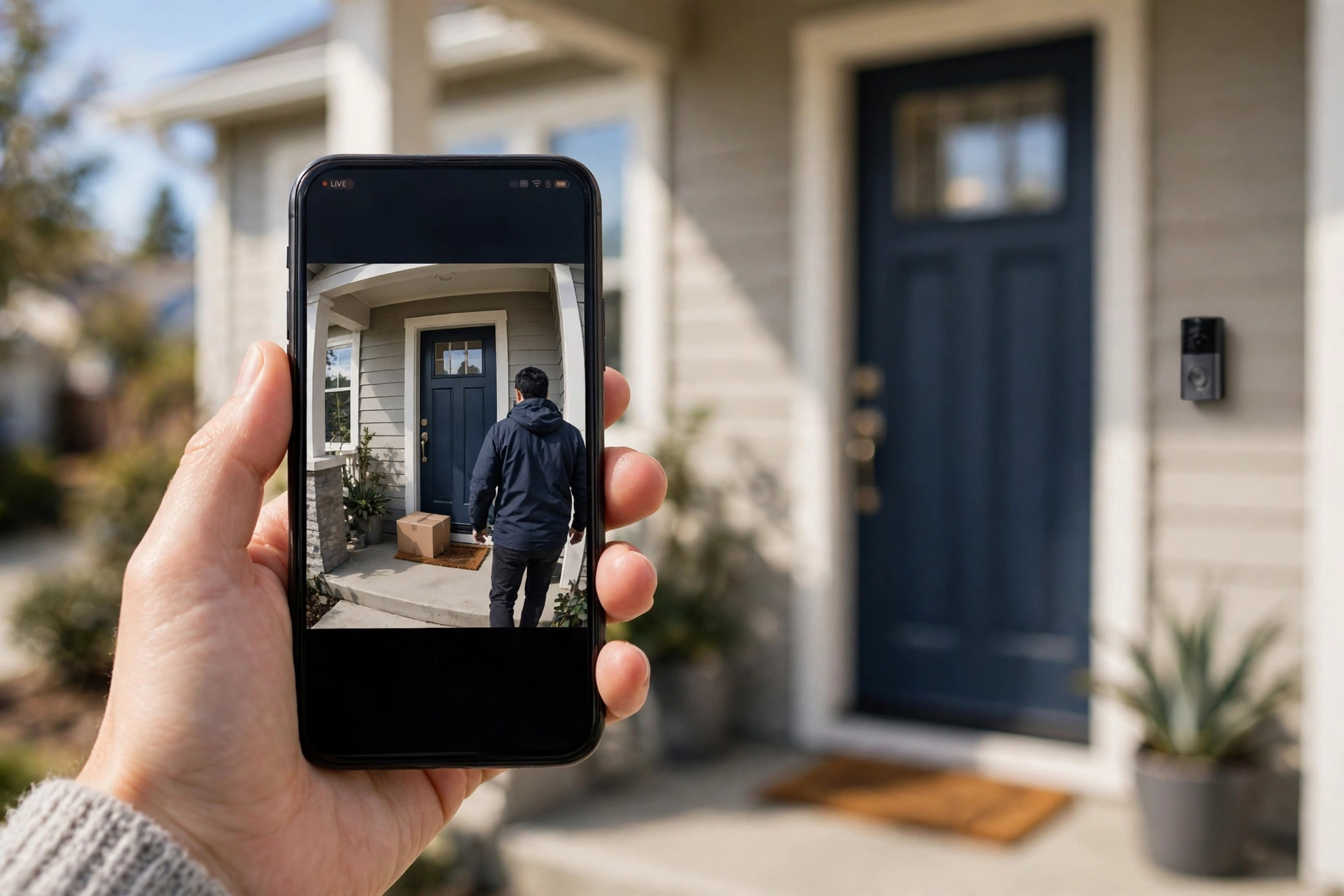
Yes, you can own a video doorbell outright — no monthly fee required. The best video doorbells without a subscription in 2026 record to a microSD card or an indoor hub inside your home instead of a paid cloud account, and several still include person and package detection for free. Our top picks are the eufy Video Doorbell E340 (best overall), the Reolink Video Doorbell (best for wired homes and camera-system owners), the Lorex 2K Wired Doorbell (best image quality), the TP-Link Tapo D225 (best value), and the Wyze Video Doorbell v2 (best budget buy). Below we explain exactly what you give up versus a plan, what you gain, and how much local storage you actually need.
In our research, we prioritised doorbells sold widely in the US whose core features — recording, alerts, live view, two-way talk — work with no plan at all, based on manufacturer specifications and owner feedback. Prices are approximate US street prices; check current pricing at major US retailers before you buy.
What You Lose (and Gain) Without a Subscription
“Without a subscription” does not mean “without features,” but it does mean a different trade-off. Here is the honest picture.
What typically stays free on local-storage doorbells
- Recorded video you can review. Your clips live on a card or hub in your home, and you can scroll back through them in the app at no cost.
- Live view and two-way talk. Every pick here includes both, free.
- Motion and person alerts. On most local-storage models, person (and often package/vehicle) detection runs on the device or hub, so smart alerts are included rather than rented.
- Your footage stays in your house. Local storage is a genuine privacy advantage: porch video is not sitting on a company’s servers, and a subscription price rise cannot hold your history hostage.
What you usually give up
- Cloud backup. If someone steals the doorbell itself, a card inside it goes too. Hub-based systems (eufy HomeBase, Tapo’s indoor hub) solve this by keeping footage indoors — one reason we favour them.
- The fanciest AI. Cloud plans from Ring and Google fund extras like familiar-face recognition and rich searchable history. Local AI is good and improving, but it is a step behind the best cloud processing.
- 30–180 days of rolling history. Cloud plans remember months. A local card remembers until it fills up and overwrites the oldest clips (we do the storage maths below).
- Sharing and polish. The big-brand apps are slicker. Local-storage brands’ apps are functional — in owner feedback, “the app is fine, not beautiful” is the common verdict.
One important warning: some famous doorbells are the opposite of this guide. A Ring doorbell with no Ring Home plan gives you live view and alerts but does not record video you can play back — recording is the subscription. A Google Nest doorbell is a middle case: it includes about three hours of event history free, with longer history behind Nest Aware. Both are fine products, but if “no monthly fee, ever” is the requirement, the picks below are built for it.
Quick Picks: The Best Video Doorbells Without a Subscription
| Doorbell | Best for | Storage | Power | Approx. price |
|---|---|---|---|---|
| eufy Video Doorbell E340 | Most people | Built-in + optional HomeBase 3 | Battery or wired | $150–$200 |
| Reolink Video Doorbell | Wired homes, NVR owners | microSD, NVR/NAS optional | Wired (battery version available) | $90–$150 |
| Lorex 2K Wired Doorbell | Image quality | microSD | Wired only | $150–$200 |
| TP-Link Tapo D225 | Value | microSD in doorbell | Battery or wired | $70–$110 |
| Wyze Video Doorbell v2 | Budget | microSD | Wired only | $45–$65 |
Best Overall: eufy Video Doorbell E340
The E340 is the easiest no-subscription doorbell to recommend because it attacks the two biggest complaints about the category. First, it has two cameras: one aimed at visitors’ faces, a second angled down at the doorstep, so packages are visible head-to-toe instead of cropped out of frame. Second, storage is flexible: it records locally out of the box, and pairing it with a eufy HomeBase 3 hub moves footage indoors onto the hub’s expandable storage, where eufy’s on-hub AI handles person and package detection with no plan involved.
Based on manufacturer specifications, the E340 runs on a removable battery or existing doorbell wiring, offers 2K video with colour night vision, and needs no subscription for recording, alerts, or playback. Expect roughly $150–$200, plus the HomeBase if you want the hub upgrade.
Pros
- Dual cameras end the “package below the frame” blind spot
- Recording and smart detection genuinely need no plan
- Battery or wired power suits houses and many rentals
Cons
- Best experience needs the HomeBase hub, an extra purchase
- Larger and more visible than a simple wired button
- No Apple HomeKit support — Alexa and Google households only
Best for Wired Homes: Reolink Video Doorbell
Reolink comes from the security-camera world, and it shows in the best way: this doorbell behaves like a camera that happens to have a button. It records to a microSD card with no hub required, person detection is free, and if you already run a Reolink NVR or a NAS, the doorbell can record there too — something no other pick here offers. The wired Wi-Fi version delivers sharp 2K (5MP-class) video and dual-band Wi-Fi; a battery version and a Power-over-Ethernet version exist for different homes.
In owner feedback, the Reolink app is praised for giving you settings instead of upsells. The trade-off is that the doorbell looks like a small security camera rather than a piece of door jewellery. Roughly $90–$150 depending on version.
Pros
- microSD, NVR, or NAS recording — the most storage options here
- Person detection and pre-roll included free
- No account nagging; works happily outside big ecosystems
Cons
- Utilitarian design
- Wired version needs existing doorbell wiring (or the battery model)
- App is capable rather than polished
Best Image Quality: Lorex 2K Wired Video Doorbell
Lorex’s wired doorbells — sold in 2K and 4K versions — are built for people who care about identifying a face at the end of the driveway. Footage records to a microSD card in the doorbell, person detection is included with no subscription, and there is no cloud account to manage at all. Lorex has sold no-fee local recording for years, and its doorbells are a common owner recommendation for exactly that reason.
The catch is in the name: these are wired-only, needing existing doorbell wiring and a compatible chime setup, and you lose the flexibility of battery placement. Budget roughly $150–$200 (the 4K version runs higher).
Pros
- Excellent detail for identifying faces and plates
- microSD local recording, no subscription, no cloud account
- Person detection included free
Cons
- Hardwired installation only — no battery option
- Footage lives in the doorbell, so a stolen unit takes its card
- Fewer smart-home integrations than eufy or Tapo
Best Value: TP-Link Tapo D225
The Tapo D225 does the flexible-power trick — a large built-in battery for wire-free mounting, or hardwire it and forget about charging — with 2K video, a very wide field of view that sees visitors and packages, colour night vision, and free on-device person detection. Recordings go to a microSD card (it supports large cards, up to 512GB per TP-Link’s specifications), and Tapo’s optional cloud plan exists but is genuinely optional: nothing core is paywalled.
Owner feedback consistently rates the Tapo app as one of the cleanest in this price class. At roughly $70–$110, it undercuts eufy while keeping the no-fee promise.
Pros
- Battery or wired — your choice, same unit
- Free person detection and local recording
- Clean, beginner-friendly app
Cons
- The very wide lens introduces noticeable fisheye curvature
- Bulky compared with slim wired-only doorbells
- Onboard AI is a notch behind hub-based eufy detection
Best Budget Pick: Wyze Video Doorbell v2
Wyze’s wired v2 is the cheapest way into genuine no-fee recording: a microSD slot enables local recording — including continuous recording, rare at any price — without Wyze’s Cam Plus plan. You get 2K video, two-way talk, and motion alerts for roughly $45–$65.
Be clear-eyed about the compromises: Wyze promotes Cam Plus heavily in its app, the smart-detection extras are the paid part, and night vision is serviceable rather than great. But as a wired doorbell that records to your own card for the price of a nice pizza, nothing else here competes.
Pros
- Lowest price with real local recording
- microSD continuous recording available without a plan
- Compact wired design
Cons
- Wired only, and needs a compatible chime setup
- App frequently promotes the paid plan
- Detection features are basic without Cam Plus
How Local Storage Works (and the Maths That Matters)
Local-storage doorbells record in one of three places:
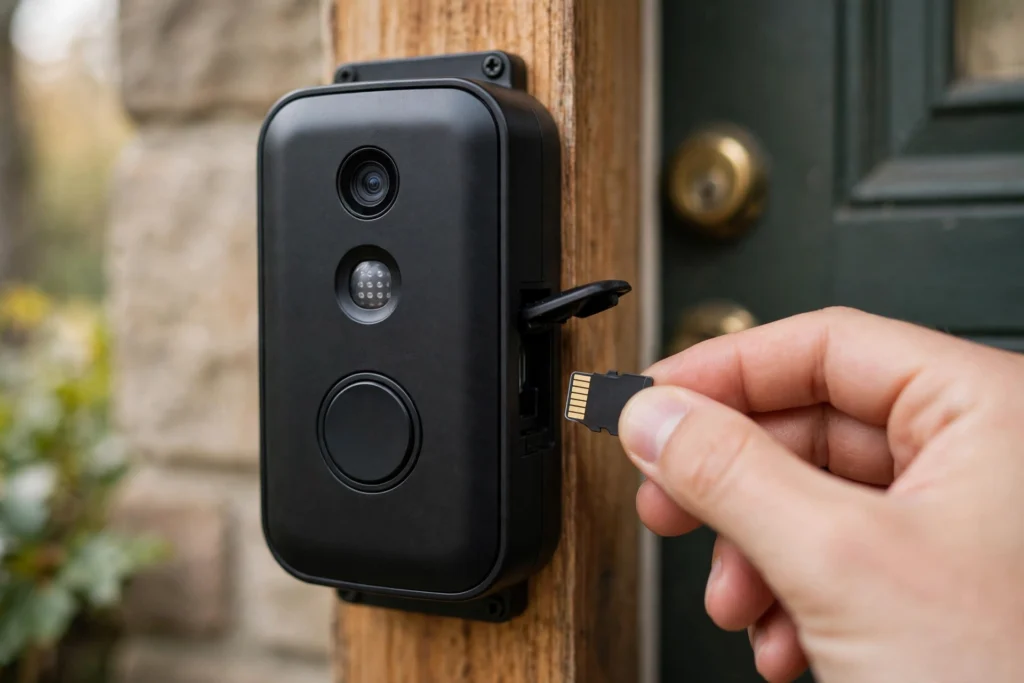
- On the doorbell (microSD card or built-in memory) — simplest, but footage leaves if the doorbell is stolen.
- On an indoor hub (eufy HomeBase, Tapo hub models) — footage stays inside; hubs also add AI processing and a siren.
- On an NVR/NAS (Reolink) — the enthusiast route, recording alongside your other cameras.
How long does a card last? A typical event clip at 2K uses roughly 10–20MB per minute of video. A busy front door generating, say, 20 one-minute events a day uses around 200–400MB daily — so a 128GB card holds months of events before it loops and overwrites the oldest. Continuous recording is a different world: 24/7 recording at the same quality uses roughly 15–20GB a day, filling that same card in about a week. Two practical tips from owner experience: buy a card labelled high-endurance (they are built for constant overwriting), and treat “days of history” claims as event-based unless the maker says continuous.
How to Choose a No-Subscription Doorbell
- Start with your wiring. No doorbell wiring, or renting? Battery models (E340, Tapo D225, Reolink Battery) mount anywhere. Existing wiring? Wired models never need charging and unlock Reolink and Lorex.
- Decide where footage should live. Privacy-first or theft-worried? Choose a hub system so recordings stay indoors. Simplicity-first? A card in the doorbell is fine for most streets.
- Check the free detection list. Confirm person detection is free on the exact model — this varies by brand and is the feature most often paywalled elsewhere.
- Match your ecosystem. Alexa/Google households are well served by eufy and Tapo. Apple Home households should look at HomeKit-certified options instead (a smaller, pricier field) — none of our main picks lead with HomeKit.
- Price the whole setup. Doorbell + hub + a high-endurance card is the real number. Even fully loaded, these systems typically pay for themselves against a $5–$10/month plan within one to two years.
Frequently Asked Questions
Is a video doorbell without a subscription actually secure?
In one way, more so: footage stored in your home is not sitting on a cloud server, and you control it entirely. The weak point is physical — a card inside a stolen doorbell is gone with it. Hub-based systems (eufy HomeBase, Tapo hub models) remove that weakness by keeping recordings indoors. Whichever you choose, set a strong account password and enable two-factor authentication in the app, since live view still travels over the internet.
Can I watch live video and get alerts for free?
Yes. On every pick in this guide, live view, motion/person alerts, and two-way talk work with no plan. What subscriptions usually sell is long cloud history and extra AI — not the basics. The famous exception is recording playback on Ring doorbells, which requires a Ring Home plan; that is why Ring is discussed above but not picked.
How long will a microSD card last in a doorbell?
Capacity-wise, months of motion events on a 128–256GB card for a typical home. Lifespan-wise, constant overwriting wears cards out, so buy one marketed as high-endurance or surveillance-grade; owners typically replace them every couple of years as cheap insurance. Cards are a one-off $10–$25 cost, not a subscription.
What happens to my recordings if the power or Wi-Fi goes out?
Battery models keep recording events to local storage during an outage (they just cannot send alerts until Wi-Fi returns). Wired models stop with the power unless your doorbell transformer is on a backed-up circuit. Hub systems with battery backup in the hub keep the most functionality — check the specific model if outage behaviour matters to you.
Do no-subscription doorbells work with Alexa or Google Home?
Mostly yes: eufy, Tapo, and Wyze doorbells can announce visitors on Alexa and Google smart displays and show the feed on screen, free. Reolink supports voice-assistant viewing on some models and is stronger inside its own app and NVR ecosystem. Apple HomeKit remains the gap — if Home app integration is essential, shop the smaller HomeKit doorbell field specifically.
Related Guides
Build out a no-fee front door and beyond with these SMT Electro guides:
- Best Smart Video Doorbells for Home Security — our full doorbell comparison, including subscription models
- 10 Best Smart Security Cameras for Home Protection — extend no-fee recording beyond the front door
- 10 Best Smart Home Devices — the beginner-friendly starter list for the whole home
Prices in this guide are approximate US prices based on manufacturer list prices and typical retail pricing at the time of writing, and plan terms and free-tier features change over time — check current pricing and the maker’s current plan details at major US retailers and on the manufacturer’s site before buying. This guide will be updated as new no-subscription models arrive.